
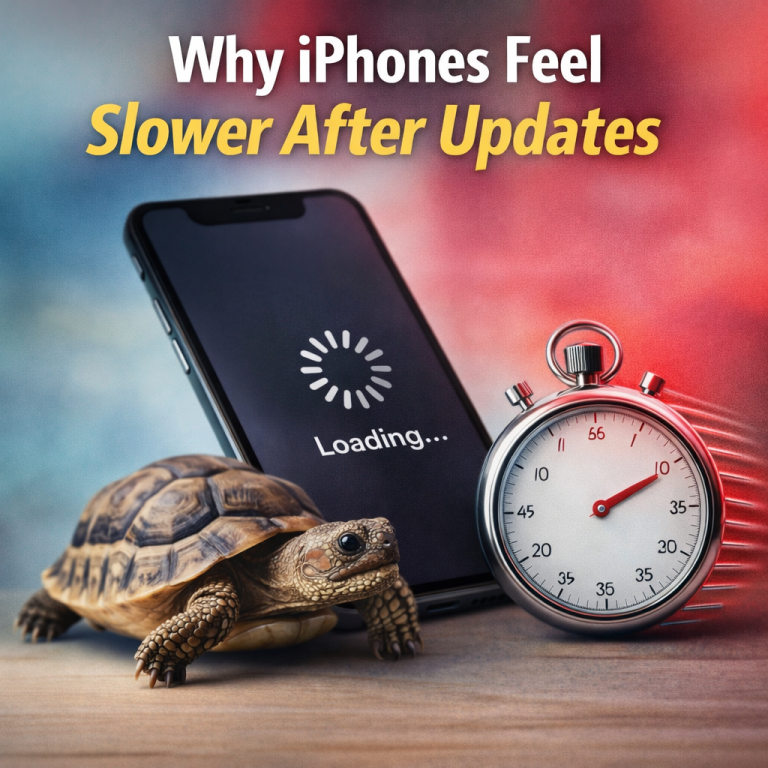
Every major iOS update brings new features, security fixes, and system changes. Yet after installing the update, many Apple users notice the same thing: their iPhone feels slower. Apps may open less quickly, animations can seem less fluid, or battery life may dip temporarily.
This conversation has resurfaced again as newer iOS versions roll out to devices that are several years old. On social platforms and tech forums, users are comparing experiences and asking whether updates are helping or hurting performance. The truth is more nuanced than simple slowdown.
What iOS Settings Most iPhone Users Should Turn Off
What actually works and why it matters to Apple users
Apple does not intentionally slow down iPhones with updates. Instead, iOS updates change how the system manages resources. These changes are designed to improve stability, security, and long-term battery health.
For many users, performance returns to normal after a short adjustment period. Understanding what is happening behind the scenes helps Apple users make informed decisions instead of assuming something is broken.
Key reasons iPhones may feel slower after updates
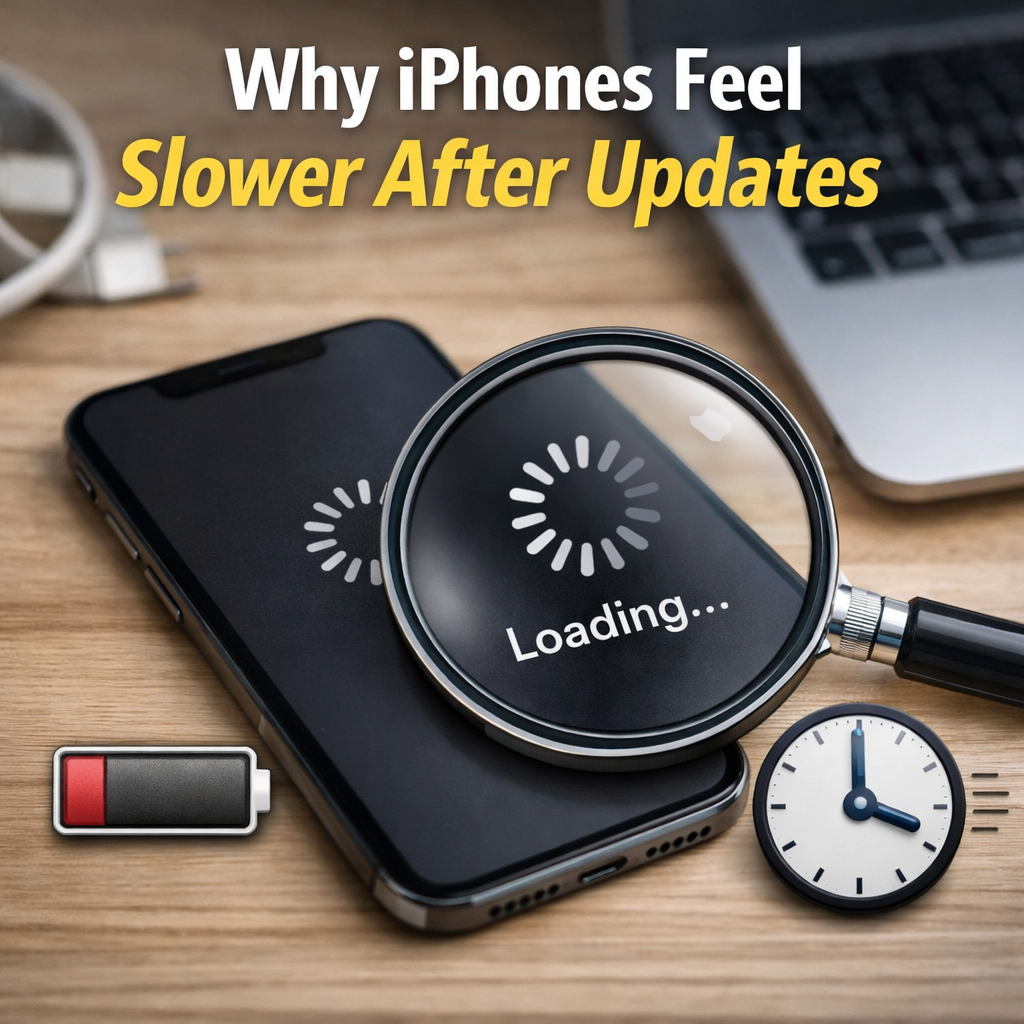
Several technical factors contribute to the perception of reduced speed:
- Background re-indexing: After an update, iOS reorganizes files, photos, and apps. This process can take hours or days.
- Battery health management: Older batteries may trigger performance balancing to prevent unexpected shutdowns.
- New system features: Updated animations, widgets, and background services require additional resources.
- App compatibility updates: Third-party apps may need time to optimize for the latest iOS version.
- Storage pressure: Updates often require temporary storage, which can affect responsiveness on nearly full devices.
These processes are temporary in many cases, but they can feel noticeable in daily use.
How battery health plays a role
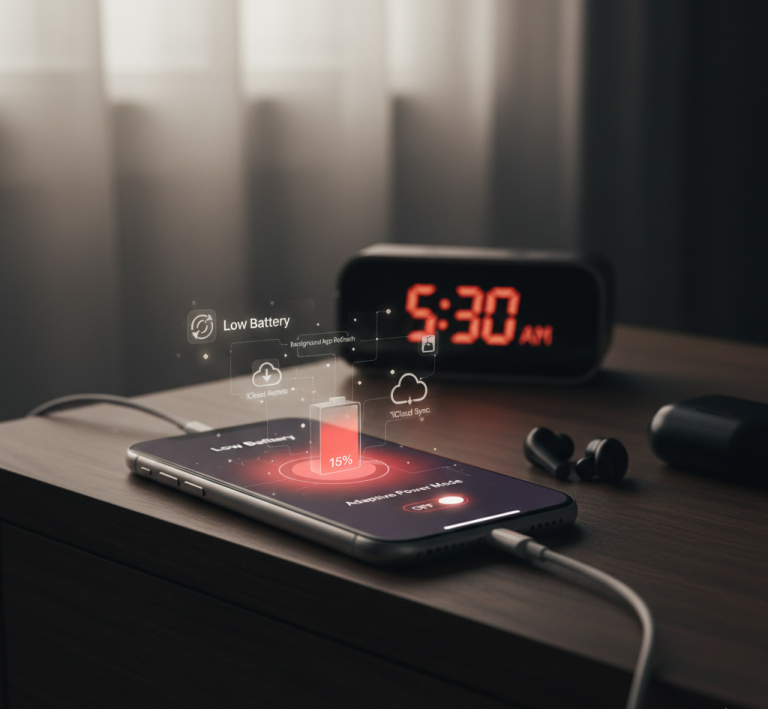
One of the most misunderstood factors is battery condition. As lithium-ion batteries age, they deliver power less consistently. iOS may adjust performance slightly to maintain stability.
This does not mean your iPhone is obsolete. Many users see noticeable improvements simply by replacing the battery, restoring full performance without changing devices.
Apple offers built-in tools to manage performance transparently. Battery Health settings show whether performance management is active. Low Power Mode reduces background activity intentionally, while updates adjust behavior automatically.
Compared to manually limiting features or disabling services, Apple’s system-level approach prioritizes reliability and safety over raw speed.
FAQs
Does Apple slow down iPhones on purpose?
No. Apple adjusts performance only to prevent instability caused by aging batteries or heavy system tasks.
How long does post-update slowdown last?
Usually between a few hours and several days, depending on device age and storage.
Should I avoid iOS updates on older iPhones?
Updates improve security and app compatibility. Skipping updates can create other issues.
Will resetting my iPhone help?
In some cases, a fresh install improves performance, but it is not always necessary.
When iPhones feel slower after updates, it is usually the result of background system changes, battery health, and new software demands—not intentional limitation. For most Apple users, performance stabilizes with time. Understanding these factors helps separate perception from reality and allows users to get the most from their devices without unnecessary concern.
The 60-Hour Charge: Best AirPods Max Alternatives in 2026?
"Note:We may receive a affiliate commission when you purchase products mentioned on our website."