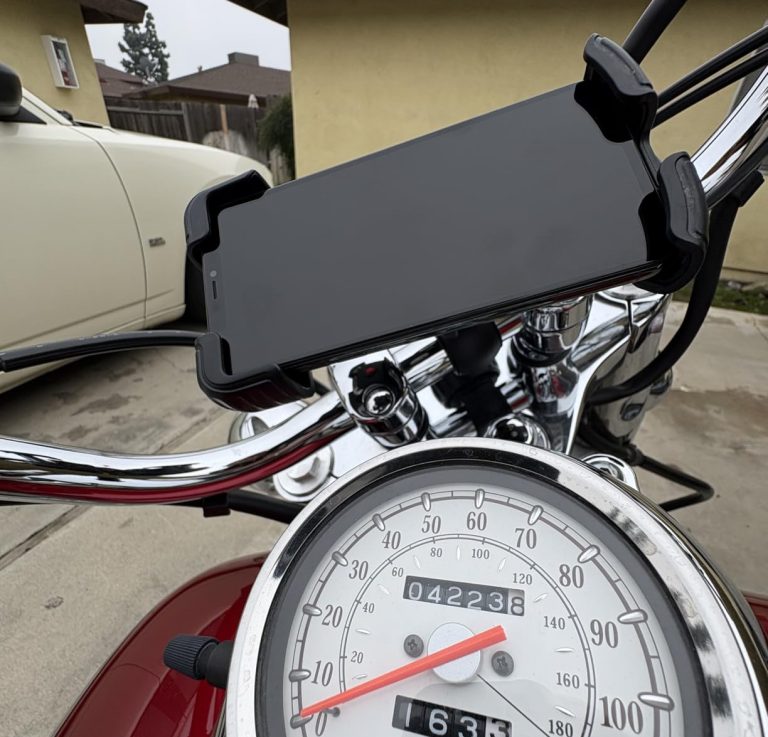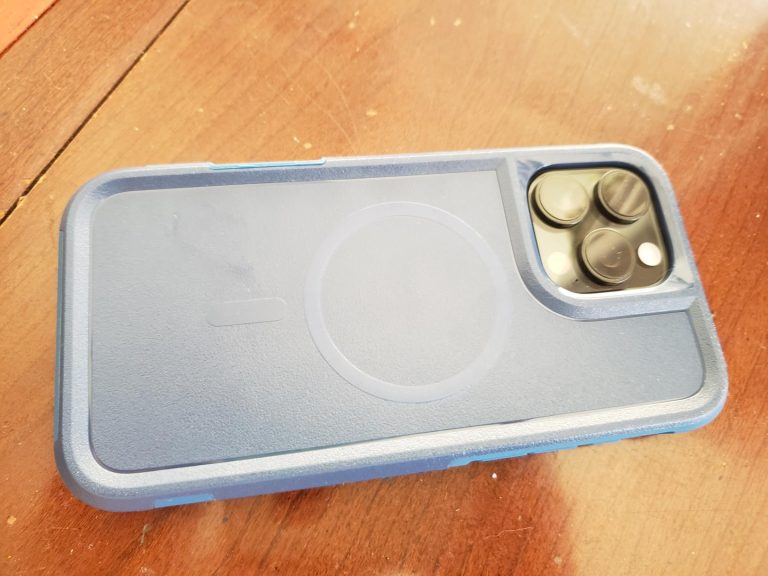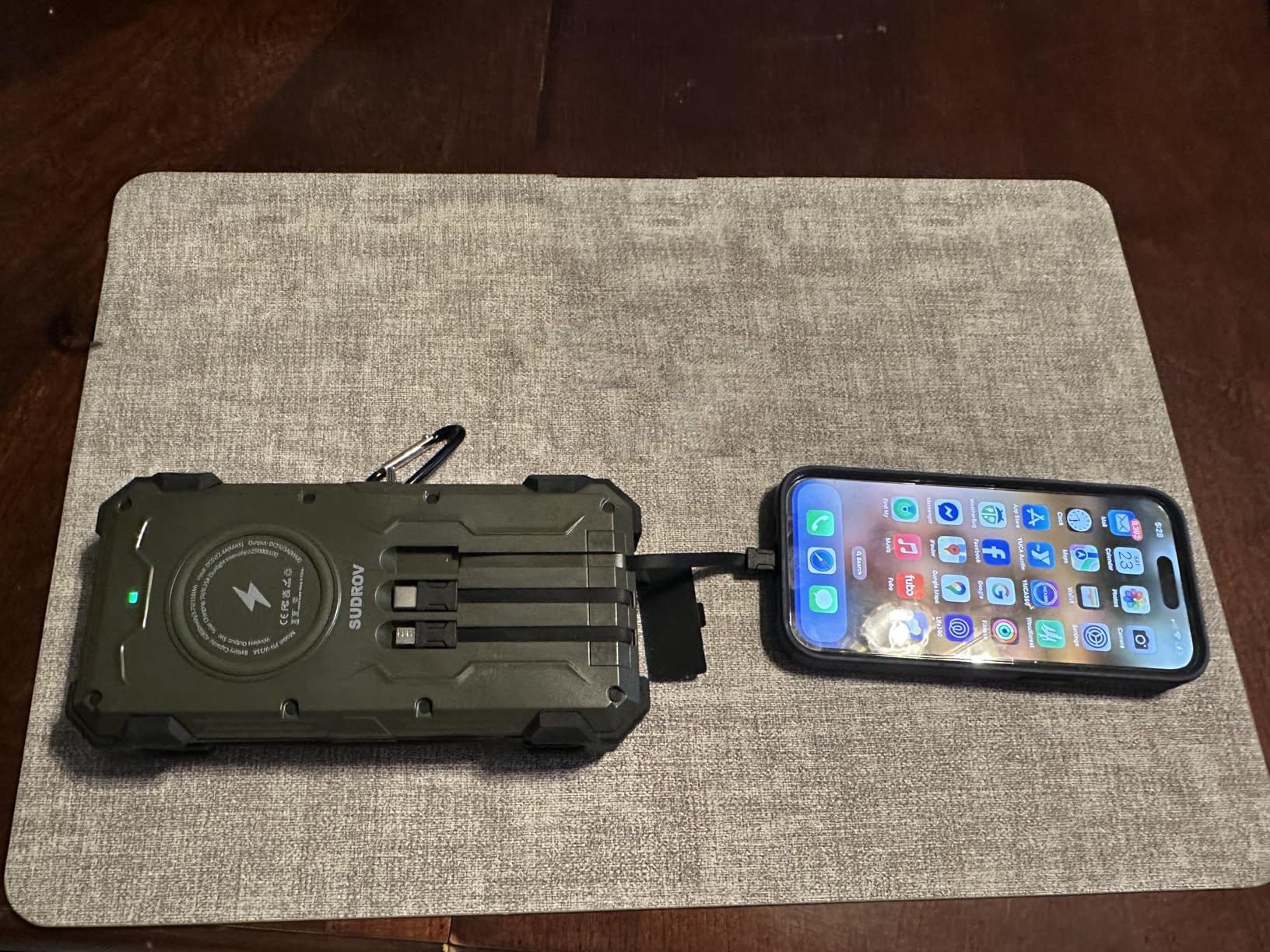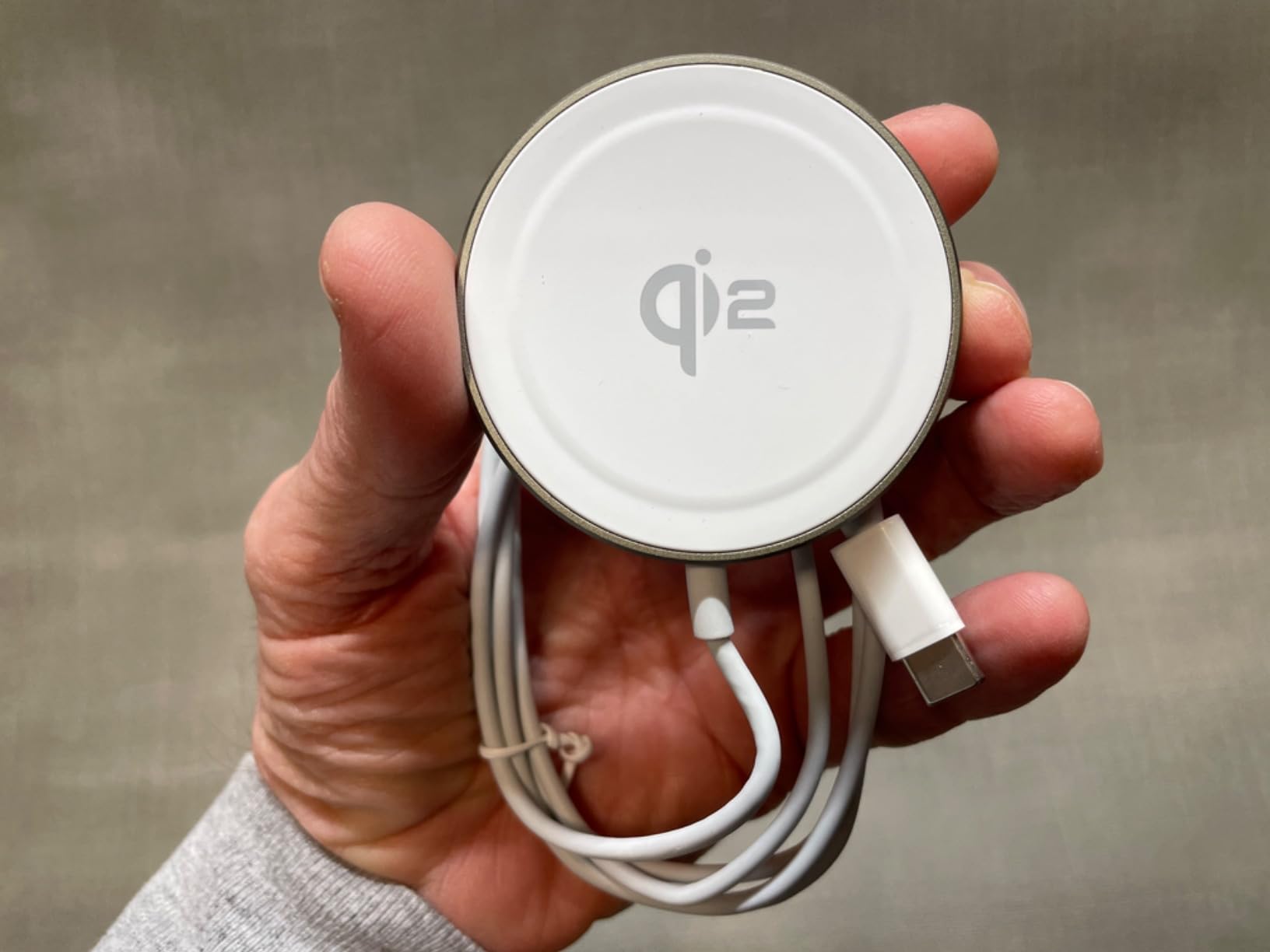

A peculiar problem has emerged for those who work across multiple locations: the iPhone charging cable that lives on the home desk rarely makes it back from the office, and the Lightning cord meant for the nightstand somehow migrates to the car. The result is a low-grade frustration that surfaces precisely when a device needs power—searching through drawers, borrowing cables from other rooms, or making do with frayed backups that should have been discarded months ago. A growing number of Apple users are addressing this not by buying more cables, but by ensuring the cables they own stay exactly where they’re needed.
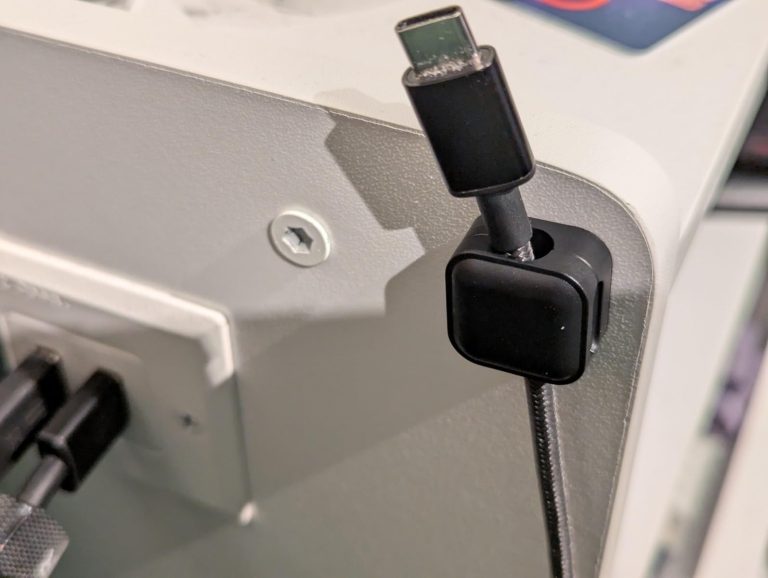
Magnetic cable clips represent a shift away from the assumption that cables should be portable. Instead of coiling and uncoiling Lightning or USB-C cords throughout the day, these users are anchoring cables to specific surfaces—desks, nightstands, car dashboards, cubicle walls—creating dedicated charging zones that eliminate the daily hunt. The approach treats cables less like accessories to be carried and more like fixed infrastructure, similar to how wall outlets remain stationary while devices move between them.
The magnetic component solves a specific design challenge. Traditional adhesive cable clips rely on friction alone to grip cords, which means thicker cables like those used with iPad Pro or MacBook chargers often slip free. Magnetic versions incorporate a metal plate that clamps around the cable, then attaches to a magnetic base affixed to the surface. This creates enough holding force to keep cables suspended at desk height, preventing them from sliding behind furniture when unplugged—a common annoyance for home office workers who lose cables behind filing cabinets or between couch cushions multiple times per week.

For remote workers managing a constellation of Apple devices, the spatial organization extends beyond mere tidiness. An iPhone user who also relies on AirPods, an Apple Watch, and occasionally an iPad faces a nightly ritual of plugging in multiple devices. Without cable management, the cords tangle into knots that require conscious effort to separate each morning. By clipping each cable to a designated spot on the nightstand, the charging process becomes more automatic—users reach for the visible cable end rather than fishing through a snarl of identical white cords in the dark.
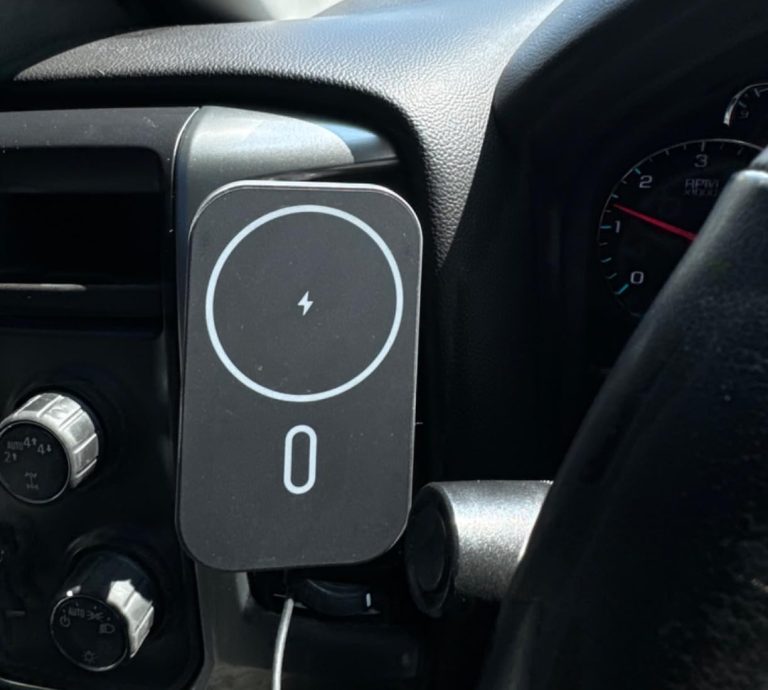
The car application addresses a different friction point. iPhone users who depend on CarPlay during commutes typically leave a Lightning cable plugged into the vehicle’s USB port, but the cable often drops into the gap between seats when disconnected. Retrieving it while driving is unsafe, and passengers frequently struggle to locate the cable end without unbuckling. Magnetic clips mounted to the dashboard or center console keep the cable accessible at eye level, eliminating the fumbling that characterizes the first thirty seconds of most drives.
What’s notable is how these small organizational shifts accumulate into meaningful time savings. A study of remote work habits found that workers lose an average of twelve minutes per day searching for misplaced items, with charging cables ranking among the most commonly lost objects. For Apple users juggling multiple devices across home and office environments, those minutes add up. The ability to walk to a desk and immediately plug in an iPhone—without checking drawers or untangling cords—removes a minor cognitive tax that compounds throughout the week.
The approach also reflects a broader maturation in how people structure their device ecosystems. Early smartphone adoption often meant a single charger moving between rooms, but as households accumulated multiple iPhones, iPads, and Apple Watches, the cable inventory grew faster than the organizational systems to manage it. Users who once tolerated cable chaos are increasingly treating their charging infrastructure with the same intentionality they apply to other aspects of home office design—acknowledging that small inefficiencies, repeated daily, create outsized annoyance.
Previously listed at a higher price point, the current listing shows $6.99 at the time of publishing. View current listing. Price at time of publishing. Subject to change.
"Note:We may receive a affiliate commission when you purchase products mentioned on our website."