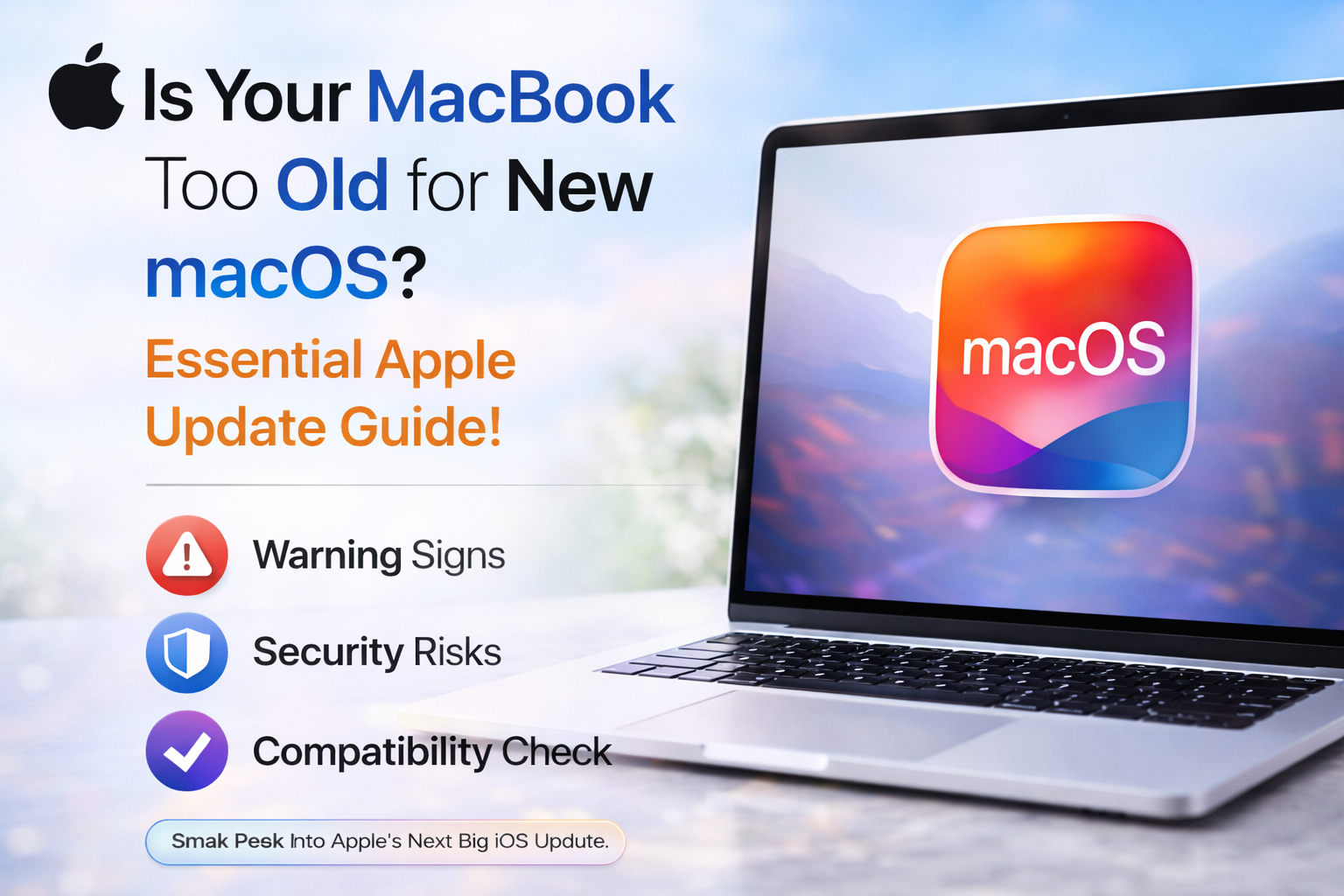
Many Apple users fear their beloved MacBook might be left behind by the latest macOS innovations. But what if we told you that even older models often have more life – and updates – left in them than you think? Staying current isn’t just about flashy new features; it’s crucial for security, performance, and seamless integration with your entire Apple ecosystem. Here’s why keeping your MacBook up-to-date is more important than ever.
Why It Matters
It’s a common misconception that once an Apple product hits a certain age, it’s automatically obsolete, especially when it comes to macOS updates. While it’s true that eventually, hardware limitations prevent further upgrades, Apple often supports its Macs for many years, sometimes longer than users realize. The real issue isn’t always age, but rather a lack of awareness about compatibility and the simple steps to update.
Neglecting these crucial macOS updates leaves your MacBook vulnerable to emerging security threats and prevents you from accessing new features that enhance productivity and user experience. Imagine missing out on critical bug fixes that improve battery life or a new Safari feature that makes web browsing smoother and more private. Forgetting to update means your daily digital life could be less secure, less efficient, and less enjoyable.
Keeping your MacBook’s operating system updated isn’t just about getting the latest emojis; it’s about a comprehensive package of improvements and protections.
- Enhanced Security Features: Each macOS update brings crucial patches and new security protocols designed to protect your data from the latest malware, viruses, and privacy threats. This is arguably the most vital reason to update.
- Performance and Stability Boosts: Apple consistently refines macOS to run more efficiently. Updates can lead to noticeable improvements in system speed, responsiveness, and overall stability, reducing crashes and slowdowns.
- Access to New Apple Features: From Continuity Camera to Stage Manager, new macOS versions introduce powerful features that enhance how you work, create, and communicate across your Apple devices. Without updating, you’re stuck in the past.
- Improved App Compatibility: Many developers build their apps to leverage the latest macOS features and APIs. Updating ensures your favorite applications run smoothly and you can download the newest versions from the App Store.
- Seamless Apple Ecosystem Integration: An updated macOS ensures your MacBook communicates flawlessly with your iPhone, iPad, and Apple Watch, making Handoff, Universal Clipboard, and AirDrop experiences smoother than ever.
Updating your MacBook translates directly into tangible benefits for your daily life. For the casual user, it means a more reliable machine that feels snappier, loads websites faster, and manages background tasks more efficiently. You’ll spend less time troubleshooting and more time enjoying your content.
For the productivity-focused individual, new macOS features can revolutionize your workflow. Think of improved multi-tasking tools, more powerful search capabilities, or enhanced note-taking functions that integrate directly with your other Apple devices. It’s about doing more, more easily. Moreover, a secure Mac means peace of mind when handling sensitive information, knowing Apple has your back with the latest protections. Keeping current allows your MacBook to truly be the powerful, intuitive hub of your digital life it was designed to be.
Verdict
Keeping your MacBook updated is more than just following the crowd; it’s an essential step for every Apple user. From fortifying your digital defenses to unlocking new productivity tools and enjoying a snappier experience, the benefits are undeniable. Don’t let your MacBook fall behind – a simple check and update can refresh your device and ensure you’re always getting the best out of your Apple investment.
- Powerful Portable Blower: Your Essential Apple Setup Cleaner
- Yamiry Keypad Smart Door Knob Lock: A Practical Home Upgrade
- How to Customize Liquid Glass Live Wallpapers on iPhone in iOS 27
- How to Turn On Siri AI on iPhone: Setup, Features & Supported Models
- Practical Upgrade: Acer’s HDMI 2.1 to USB-C Cable for Your Apple Setup
"Note:We may receive a affiliate commission when you purchase products mentioned on our website."