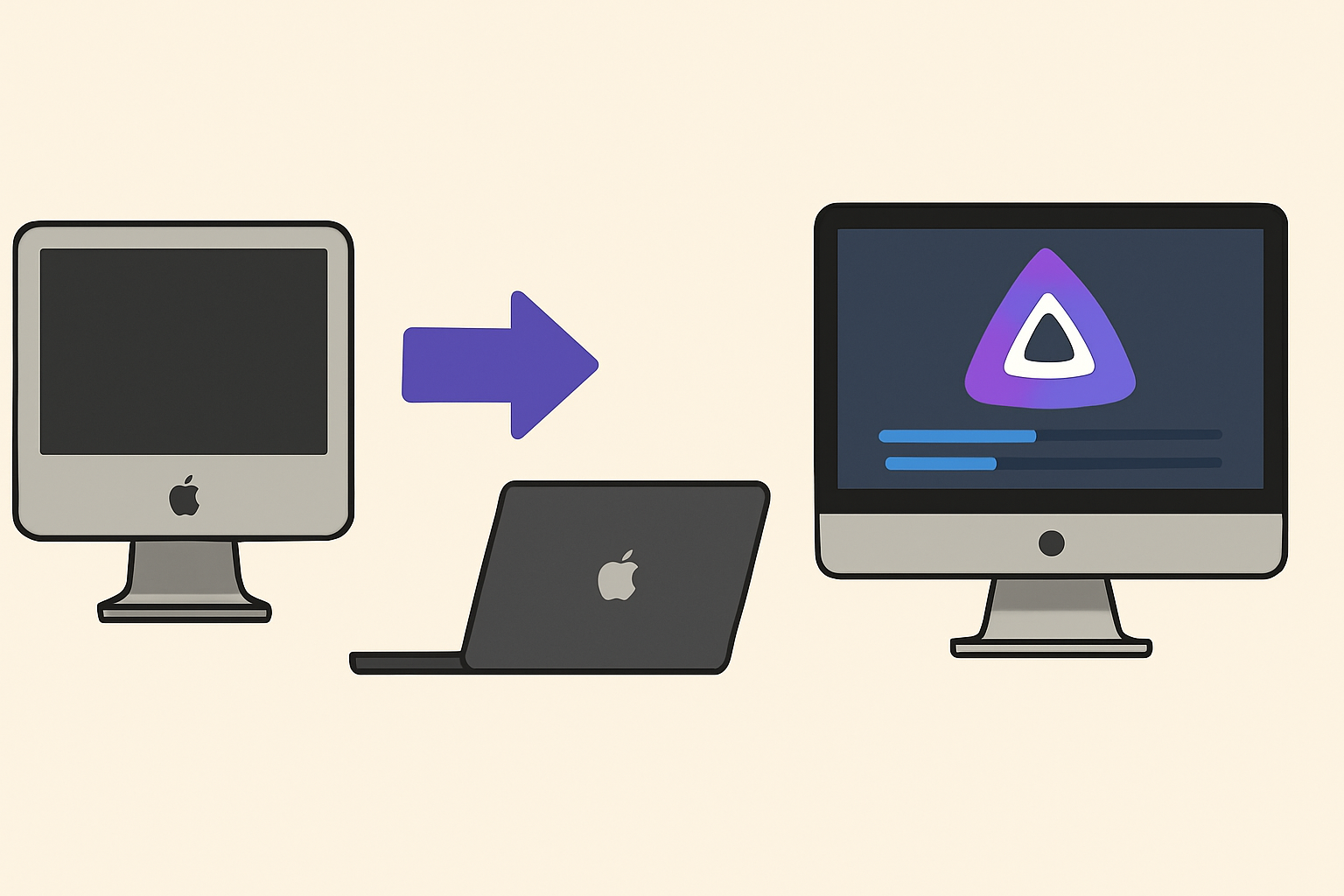
A subtle trend is emerging among MacBook and Mac mini owners: installing Jellyfin on aging machines to host private media libraries. With macOS Ventura and Monterey still running smoothly on hardware from nearly a decade ago, enthusiasts are rediscovering these Macs as quiet, headless servers. Instead of relying solely on cloud subscriptions, they’re tapping into an open-source streaming platform that integrates with Apple’s ecosystem—AirPlay to Apple TV, control via HomePod, and remote management through iOS and iPadOS apps. It’s a shift in user behavior that melds DIY sensibilities with familiar Apple workflows, drawing attention from those who value privacy and ownership of their content.
In Seattle, graphic designer Sarah Morales dusted off her 2014 MacBook Air and stashed it on a shelf behind her desk. After an afternoon of software tweaks, she transferred her unwatched films and recorded concert footage into Jellyfin’s library. At night, she checks the fan speed indicator and peeks at the network activity. The MacBook sits quietly, its screen closed, while she reaches for her iPhone to cue the next title on the lounge’s Apple TV 4K.
The real test comes when streaming across devices. With one double-tap on the iPad’s Home screen, Morales selects the Jellyfin app and sends a video to her living room display via AirPlay. A HomePod mini nearby lights up with a Siri notification: “Playing ‘Live at Red Rocks’ from Jellyfin.” She taps the physical volume dial on the HomePod, appreciating how the audio ducking integrates with macOS’s media controls on her MacBook Air server.

It isn’t without friction. Configuring a static IP on macOS requires momentary dives into System Settings, and port forwarding on her router led to a few test streams dropping out. One evening, she reached under the desk to re-seat the Ethernet cable and nudged the MacBook Air slightly to improve airflow. The machine briefly spun its fan louder than expected, a reminder that these older models weren’t built for constant transcoding.
Such hands-on routines reflect a broader appetite for self-hosted services. For many, the tactile act of moving cables or adjusting a MagSafe power adapter underscores a digital ritual that contrasts with subscription fatigue. Instead of scrolling through an endless catalog, users interact with a curated collection—one that they physically maintain behind the scenes on a familiar macOS interface.
This resurgence of in-home servers also hints at larger cultural currents. As major streaming platforms tighten regional licensing and raise prices, open-source alternatives like Jellyfin offer a counterpoint. Small creative agencies in Brooklyn and families in Tokyo are quietly reusing Mac minis to preserve their media archives. Some even integrate custom scripts on macOS to pull metadata from iTunes libraries or sync with iCloud Photos, blurring lines between old and new content delivery methods.
Ultimately, the practice of turning legacy Macs into private streaming hubs highlights the adaptability of Apple’s ecosystem. What began as an experiment among a few Mac enthusiasts is seeping into a wider audience curious about control and privacy. In the low hum of a closet-bound Mac mini or the gentle whirr of a MacBook Air’s fan, there’s a sense that users are reclaiming part of the digital experience—one locally hosted stream at a time.
What is Jellyfin and how does it run on macOS?
Jellyfin is an open-source media server that organizes and streams personal collections. On macOS, it runs as a standalone application or via container tools, leveraging the system’s hardware for transcoding and storage.
Can I stream Jellyfin content to Apple TV or other devices?
Yes. Jellyfin supports AirPlay, enabling playback on Apple TV. It also works with iOS and iPadOS client apps, as well as web browsers on any device connected to the same network.
Is an older MacBook or Mac mini sufficient for a Jellyfin server?
Older Macs can handle basic media streaming, though performance varies. Models with SSDs and sufficient RAM manage direct playback smoothly, while heavier transcoding tasks may push fans to run more often.
How do I manage remote access and security for a Jellyfin server?
Users typically configure port forwarding on their router and set up HTTPS certificates within Jellyfin’s settings. Regular macOS updates and firewall rules help maintain a secure environment.
Verdict
Repurposing legacy Macs as Jellyfin servers illustrates a growing desire for self-hosted media within the Apple ecosystem. By blending macOS’s stability with open-source streaming, users reclaim control over content and network habits. Despite minor setup hurdles—network tweaks and occasional fan noise—the practice speaks to a nuanced shift: an embrace of both Apple’s familiar interfaces and the independence of personal servers, quietly reshaping home entertainment routines.
"Note:We may receive a affiliate commission when you purchase products mentioned on our website."