
On a late afternoon in a quiet cafe, I noticed a journalist pausing mid-sentence on her iPhone, hesitating as a ghost of text flickered above the keyboard. It wasn’t autocorrect this time, but an AI suggestion gently offering to finish her thought. She swiped it away, then summoned another—an unspoken pact between user and algorithm that has crept into countless notebooks, messages, and to-do lists. With iOS 27’s AI writing help, these little nudges have become an ambient presence in our typing habits, almost as if the device itself had taken up residency in our headspace.
That night, at home, I found myself reaching for a Lightning cable before I lay my head on the pillow—an almost ritualistic gesture. But increasingly, the phone drains faster when prompting entire sentences, and I catch myself glancing at the battery percentage before tapping “Done.” In the dim glow of the bedside lamp, a brief flick of the wrist toward the charger feels less chore and more acceptance of a new friction: the small gap between inspiration and power.
On the desk beside my MacBook, an iPad sits askew, decorated with freshly downloaded wallpapers that change with a tap. The wallpapers don’t just look different—they signal when a shortcut is ready to launch. Swiping down for the Shortcuts widget has become a reflex, a way to compress a half-dozen clicks into a single gesture. Invisible workflows form as icons shuffle into new folders, and Siri learns to fetch a translation or a weather report without breaking the rhythm of focus.

Battery anxiety follows me into every meeting. I’ve noticed colleagues inching their AirPods case closer to a charger, or pausing mid-email to check the status light. Even a modest AI task—rewriting a paragraph or suggesting a title—feels weighted by the unseen cost to our remaining juice. These brief rituals, once reserved for frantic boarding calls or long-rail journeys, now punctuate office hours in whispered glances at the top right corner of a screen.
On a commuter train, I toggle Airplane Mode before tapping into Notes on the iPad, drafting an idea that will sync later. It’s a quiet dance: disable, write, reconnect, and watch the text migrate to the MacBook’s Pages library. The new shortcuts can launch that cycle with a voice prompt, but I often reach across to tap a button myself—seeking a sense of control when connectivity feels capricious.
At my desk, cable management has shifted too. A MagSafe puck hovers above the surface, a silent magnet for subconscious placement. I drift my wrist toward it as I end a call, and the MacBook glides into position, latching with the soft click we’ve grown to expect. These minor tics—adjusting the puck’s spot, untangling a USB-C lead for the iPad—frame the edges of each work session, grounding the digital abstraction in tactile familiarity.
In these unremarked moments—accepting AI suggestions, reorganizing home screens, nudging devices into alignment—we’re sketching new routines. iOS 27’s features arrive not as headlines, but as background currents in how we write, travel, and recharge. The device fades once more into quiet service, even as we adapt to its evolving habits.
What devices support the new AI writing suggestions in iOS 27?
AI writing prompts require an iPhone running iOS 27 or a compatible iPad with the latest iPadOS, syncing through iCloud across devices.
How do Shortcuts interact with charging routines?
Shortcuts can automate actions—like adjusting brightness or enabling Low Power Mode—when a device is connected to MagSafe or a USB-C charger.
Do wallpapers sync across iPhone, iPad and MacBook?
Custom wallpapers set on an iPhone can be mirrored to iPad and MacBook via iCloud, updating whenever you refresh the lock screen or home screen image.
Does the AI writing feature affect battery life significantly?
Using AI suggestions involves on-device processing and occasional server calls, which may slightly increase power draw but remains comparable to other advanced background tasks.
Verdict
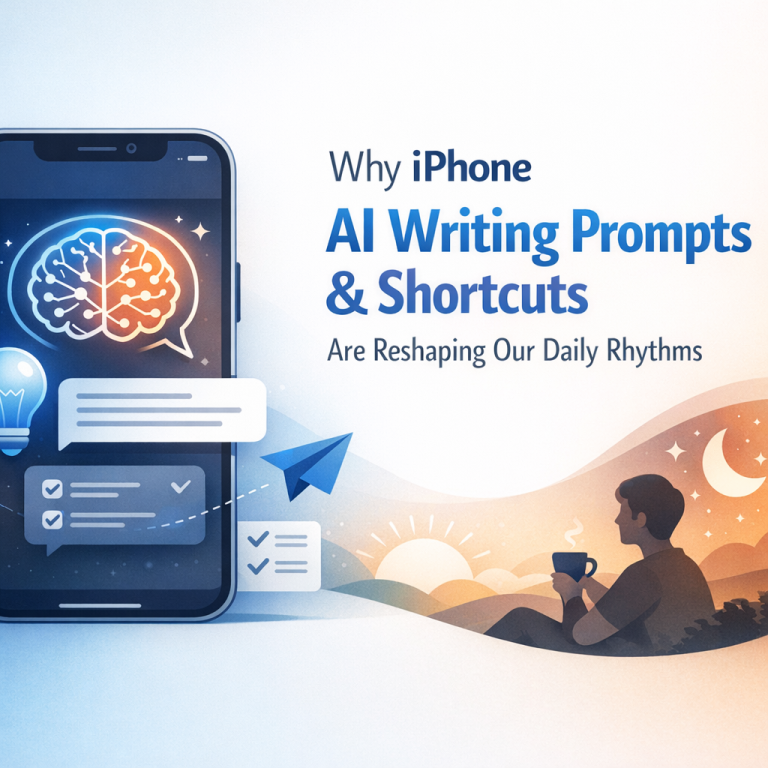
The quiet emergence of AI writing prompts and refined shortcuts in iOS 27 is less about a single update than about how we subtly rewire our daily patterns. From midnight charging checks to the way we shuffle icons and wallpapers, these small shifts reveal an ongoing dance between convenience and friction. Rather than stand apart as tools, they fold into the margins of our routines, inviting us to notice the evolving texture of our digital habits.
- Smart Deal: Land a Galaxy Watch 6 Classic with Free Amazon Credit
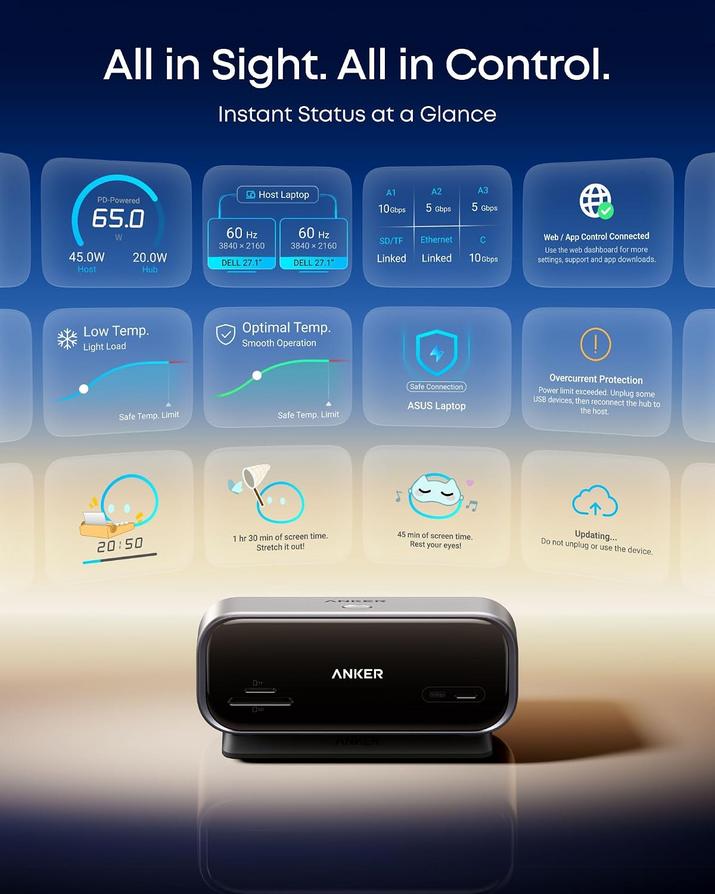
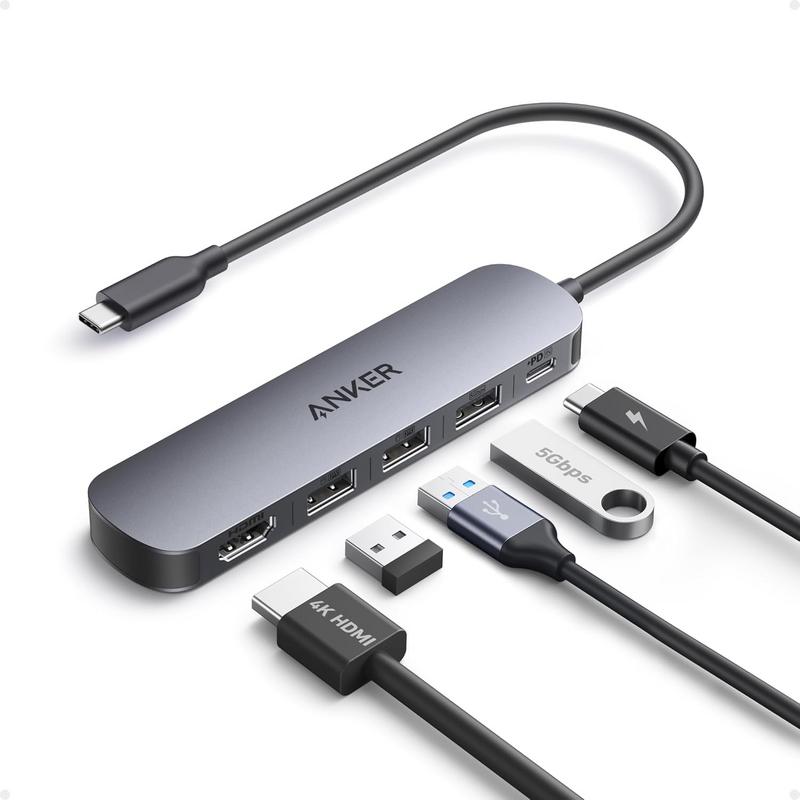
- Anker’s Smart Nano Hub: Simplify Your Apple Setup with Dual Monitors
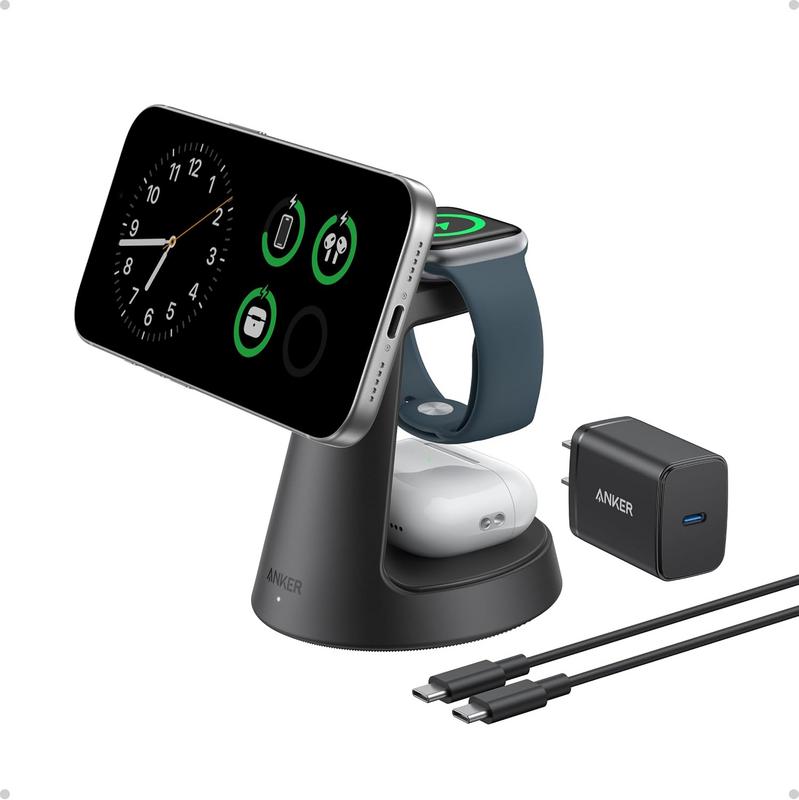
- Anker Prime 6-in-1 Charging Station: Essential Power for Your Apple Gear
- Smart Apple Watch Series 12: Pre-Order Price Drops Begin on Amazon
- Upgrade Your Morning Ritual with Govee’s Smart Gooseneck Kettle
"Note:We may receive a affiliate commission when you purchase products mentioned on our website."