

Do you ever pick up your iPhone to check one notification and suddenly realize you’ve spent 45 minutes scrolling through Instagram, TikTok, or endless news feeds? You’re not alone.
This habit, commonly known as doomscrolling, can consume valuable time, interrupt sleep, and leave you feeling overwhelmed. The good news is that you don’t need to delete all your social media apps to break the cycle.
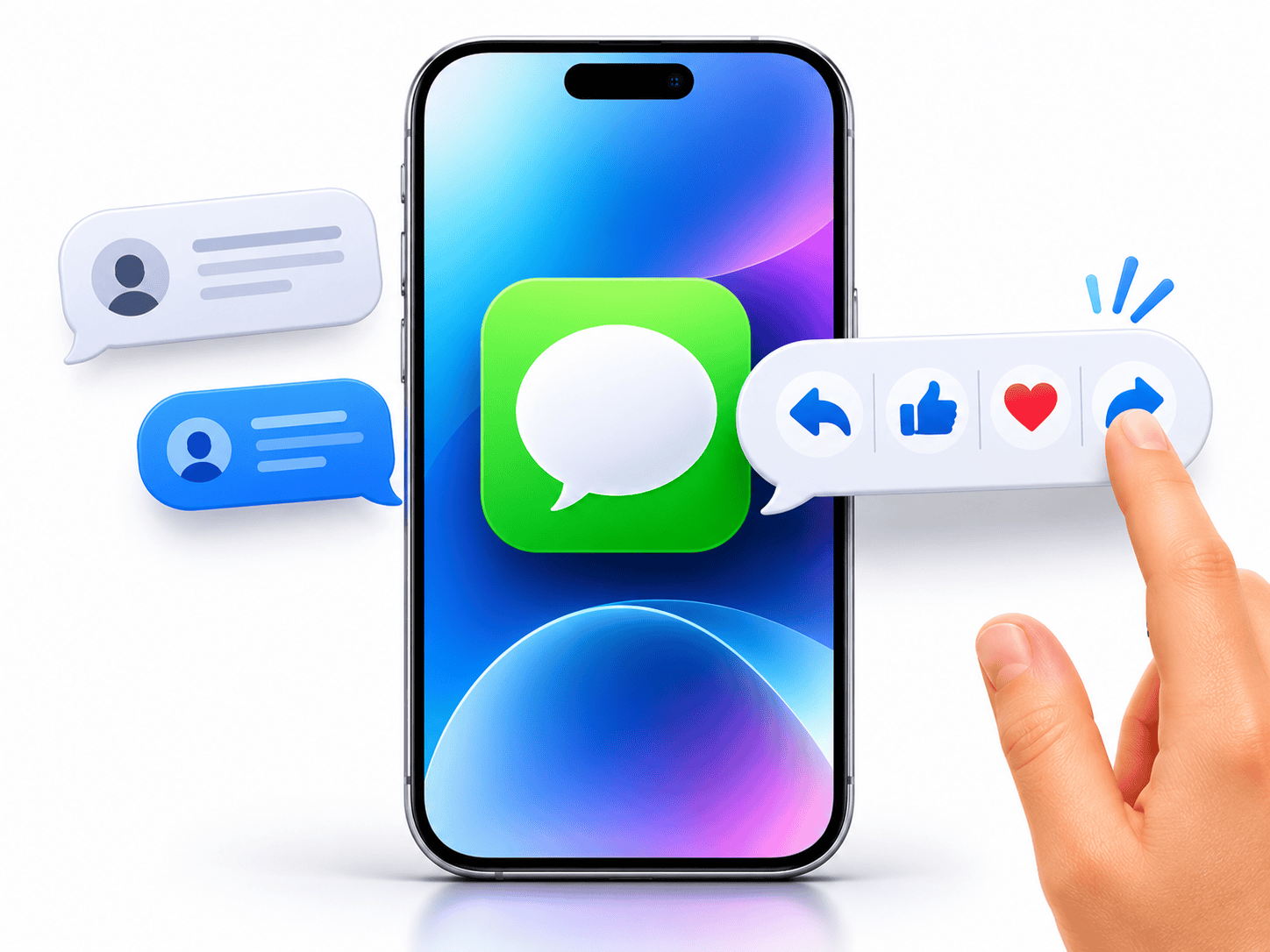


Here are nine practical ways to spend less time scrolling and regain control of your phone.
1. Turn Your iPhone Screen to Grayscale
Bright colors and app icons can make your screen more visually appealing. Switching to grayscale removes much of that visual stimulation.

On your iPhone:
- Open Settings.
- Go to Accessibility.
- Tap Display & Text Size.
- Select Color Filters.
- Turn on Color Filters and choose Grayscale.
You can also create a Shortcuts automation to switch grayscale on at bedtime and turn it off in the morning.
2. Set Daily App Limits
iPhone Screen Time lets you limit how long you spend on distracting apps.
Go to Settings → Screen Time → App Limits → Add Limit.

Choose apps such as Instagram, TikTok, Facebook, or YouTube and set a realistic daily allowance. Start with a manageable limit and gradually reduce it.
3. Make Focus More Rewarding
Instead of relying entirely on willpower, try apps that make staying focused more enjoyable.
Some options include:

- Forest: Grow virtual trees while staying away from your phone.
- Focus Friend: Earn rewards by completing focused sessions.
- Focus Traveller: Turn focused time into a virtual journey.
These apps can make building healthier phone habits feel less like a restriction.
4. Add a Pause Before Opening Apps
A useful way to break automatic scrolling is to introduce a short pause before opening distracting apps.

Android’s Pause Point feature on supported Pixel devices offers breathing exercises and other prompts before selected apps open.
On iPhone, you can create a similar routine using Shortcuts, reminders, or a focus app that encourages you to think before opening social media.
5. Try a Physical Phone-Blocking Gadget
If software limits are too easy to ignore, consider a physical distraction blocker.

Devices such as Brick use NFC technology to activate customized restrictions on selected apps and websites. You can tap your phone against the device to enable a distraction-free mode.
It’s an additional expense, but it may help people who repeatedly override their screen-time limits.
6. Use Focus Modes
Your iPhone’s Focus feature can help reduce interruptions during work, sleep, or personal time.
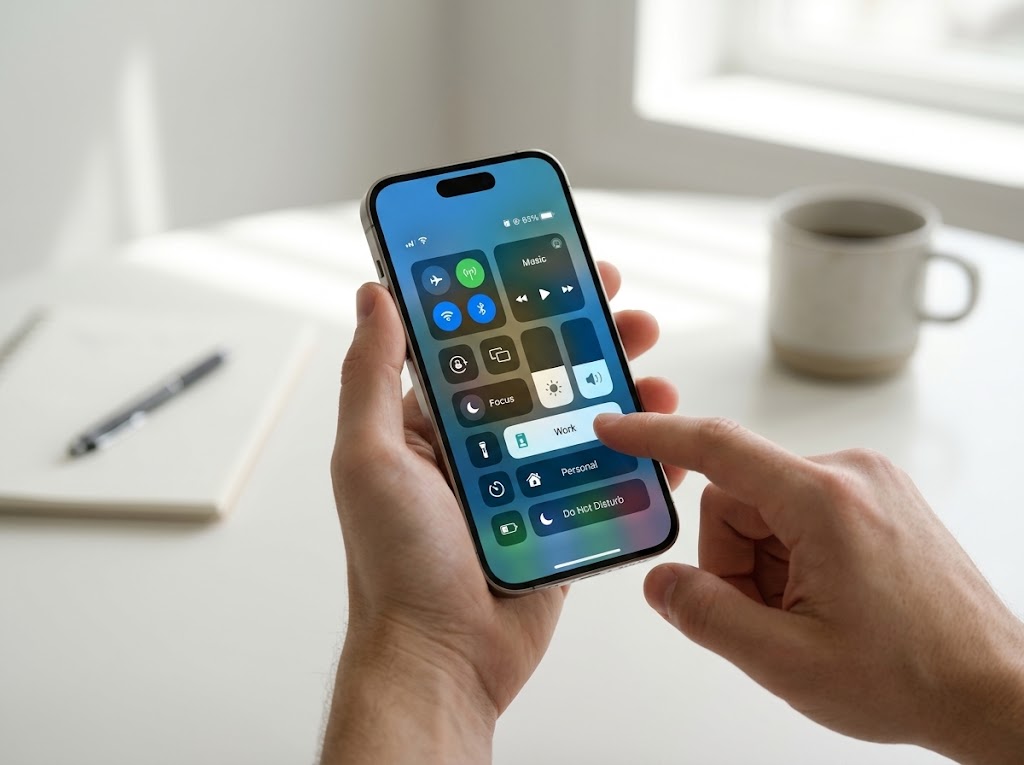
Go to Settings → Focus and create a custom mode.
You can silence notifications from selected apps, allow calls from important contacts, and schedule Focus to activate automatically.
A dedicated Sleep or Work Focus can make a noticeable difference.
7. Check Built-In Social Media Controls
Some social media apps offer their own screen-time management tools.
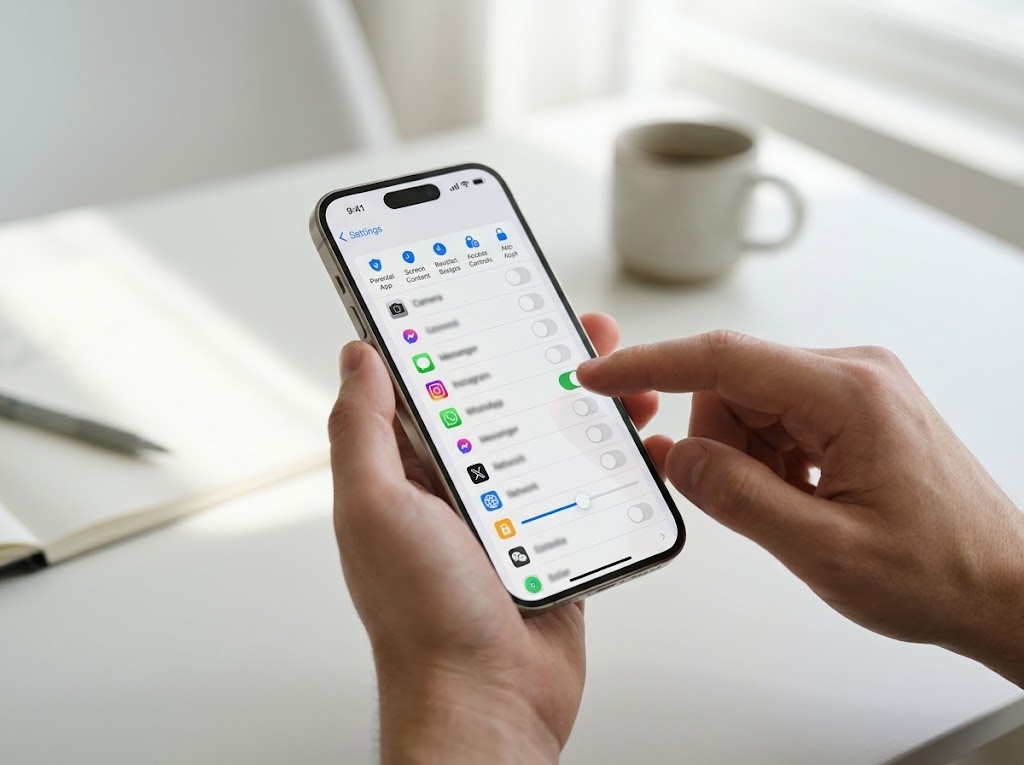
For example, Instagram provides daily usage reminders and sleep-related notification controls.
Open Instagram’s profile menu and look for Time management to review the available options. Menu names may vary between app versions.
8. Use App Restrictions on Supported Samsung Phones
Samsung Galaxy users running supported One UI software can also explore additional app restrictions.

The AI Network Guard feature described by Samsung’s One UI 9 software can help restrict selected apps. Availability depends on the device and software version.
iPhone users can achieve similar results through Screen Time and Focus settings.
9. Reduce Unnecessary Notifications
Every notification creates another reason to pick up your phone. Turning off unnecessary alerts can reduce these interruptions.

On iPhone, go to Settings → Notifications and review which apps are allowed to send alerts.
You can also use Scheduled Summary to receive selected notifications in batches rather than throughout the day.
Final Verdict
Stopping doomscrolling doesn’t mean giving up your iPhone or social media completely. It’s about making small changes that help you use technology more intentionally.
Start with three simple steps: switch to grayscale in the evening, set daily app limits, and silence unnecessary notifications.
The goal isn’t to spend zero time on your phone. It’s to make sure your phone isn’t taking time away from the things that matter most.
You may also like
- JBL Live 780NC: Powerful Noise Cancelling for Your Apple Workflow
- Lamicall MagSafe Car Mount: An Essential iPhone Travel Upgrade
- Spending Too Much Time Scrolling? Try These 9 Simple Fixes
- AirTag 2 Four-Pack Drops to $69.99 on Amazon
- 3 iOS 27.2 Settings Every iPhone User Should Customize
Discover more from The Apple Byte
Subscribe to get the latest posts sent to your email.
"Note:We may receive a affiliate commission when you purchase products mentioned on our website."


