As an Amazon Associate, we earn from qualifying purchases. Check current prices and compatibility on Amazon.
AirPods Pro 2 have been around for several years, but Apple continues to add features through software updates. That has created a flood of “hidden AirPods tricks” online—and not every viral tip works quite the way people claim.
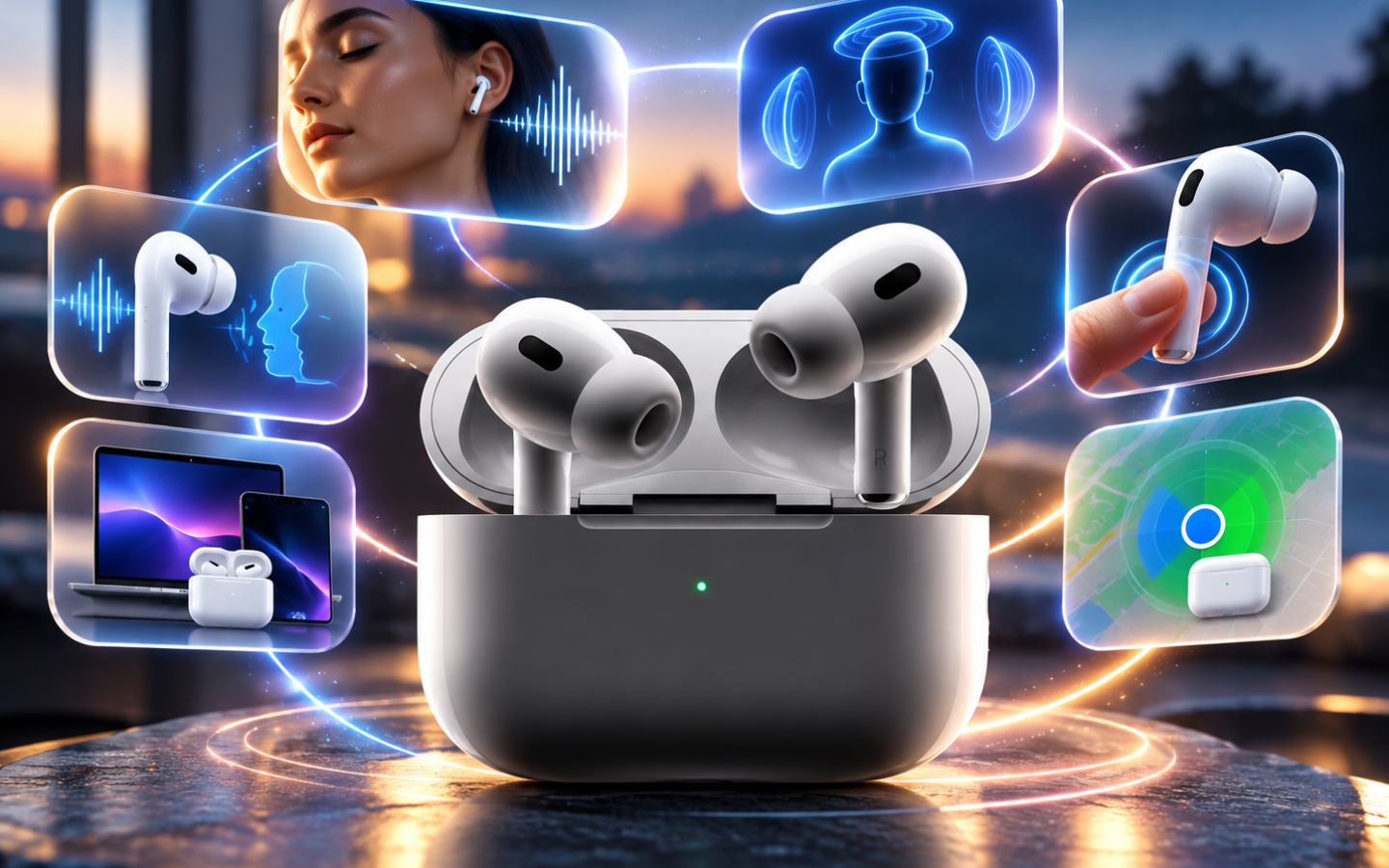
With current iPhone software, AirPods Pro 2 can automatically adapt to your surroundings, respond to head movements, control your camera, pause audio when you fall asleep, and even personalize their sound.
Here are six AirPods Pro 2 hidden features that actually work, plus what you need to know before trying them.
1. Swipe the Stem to Change Volume — Yes, It Works
You don’t need to reach for your iPhone whenever the volume is too loud or quiet.
On AirPods Pro 2, lightly swipe your finger up or down on the stem to adjust volume. You can still press once to play or pause, twice to skip forward, and three times to go back.
This is one of the simplest AirPods Pro 2 tricks, yet it’s surprisingly easy to overlook.
Verdict: Works.
2. Nod Your Head to Answer Calls — Yes
Here’s one that can look like a gimmick until you actually use it.
AirPods Pro 2 support head gestures for Siri interactions. Nod your head up and down to accept a call or respond to supported notifications. Shake your head from side to side to decline a call or dismiss a notification.
You’ll need features such as Announce Calls and Announce Notifications enabled for the relevant interactions.
This is particularly handy when your hands are occupied.
Verdict: Works, but requires the right settings.
3. AirPods Can Automatically Lower Music When You Talk
This one is real and genuinely useful.
Conversation Awareness detects when you start speaking, automatically lowers your media volume, and enhances voices in front of you. When the conversation finishes, your audio returns to its previous level.
To enable it, connect your AirPods, open Control Center, press and hold the volume slider, and tap Conversation Awareness.
There’s also Personalized Volume, which learns your listening preferences and adjusts volume according to your environment.
Verdict: Works—and it’s one of the best AirPods Pro 2 features.
4. Use AirPods Pro 2 as an iPhone Camera Remote
Yes, your earbuds can now help take photos.
On current software, go to:
Settings > [Your AirPods] > Controls & Gestures > Camera Remote
You can configure an AirPods control to trigger a supported camera using either Press Once or Press and Hold.
This is useful for group shots, tripod photography, and selfies when you don’t want to touch the iPhone and potentially move the camera.
Be aware that assigning a gesture to Camera Remote can temporarily replace another AirPods gesture while using a supported camera app.
Verdict: Works with compatible software.
5. Automatically Pause Audio When You Fall Asleep
If you regularly fall asleep listening to podcasts, music, or audiobooks, this could become your favorite hidden setting.
AirPods Pro 2 can automatically pause media after detecting that you’ve fallen asleep. Apple currently supports the feature when listening through compatible Apple devices, including iPhone, iPad, Mac, and Apple TV.
That means your podcast doesn’t necessarily have to keep playing for hours after you’ve stopped listening.
Look for the sleep-related audio setting under your connected AirPods settings.
Verdict: Works.
6. Customize How Your AirPods Actually Sound
AirPods Pro 2 have more audio customization than many owners realize.
Apple now supports a three-band Custom EQ that lets you personalize low, mid, and high frequencies.
You can also customize Transparency mode through:
Settings > Accessibility > Audio & Visual > Headphone Accommodations
From there, supported options can help adjust how outside sounds are presented. Conversation Boost can focus the AirPods on a person speaking in front of you.
AirPods Pro 2 also support Adaptive Audio, which intelligently blends Active Noise Cancellation and Transparency according to surrounding noise.
Verdict: Definitely works—and the customization is deeper than many users realize.
Bonus: AirPods Pro 2 Are Also Hearing Devices
One feature that shouldn’t really be called a “hack” is Apple’s hearing-health functionality.
AirPods Pro 2 officially support Hearing Test, Hearing Aid, and Loud Sound Reduction features where available.
Availability can depend on country or region, so users shouldn’t assume every hearing feature will appear on every iPhone.
Frequently Asked Questions
What are the best hidden AirPods Pro 2 features?
Some of the most useful are Conversation Awareness, Adaptive Audio, head gestures, Camera Remote, sleep detection, Personalized Volume, and Custom EQ.
Can AirPods Pro 2 control the iPhone camera?
Yes. Current AirPods software includes Camera Remote controls that can trigger supported camera apps using an AirPods gesture.
Can AirPods Pro 2 tell when you fall asleep?
Yes. Apple supports automatically pausing media when you fall asleep while wearing AirPods Pro 2 or other supported AirPods models.
Do AirPods Pro 2 have an equalizer?
Apple now provides a three-band Custom EQ for supported AirPods, including AirPods Pro 2, allowing users to personalize their sound signature.
Final Takeaway
Many so-called hidden AirPods Pro 2 tricks are genuine, but some require the latest iPhone and AirPods software or specific settings before they’ll work.
Start with Conversation Awareness and Adaptive Audio because they can immediately change everyday listening. Then try head gestures, Camera Remote, sleep-based pausing, and Custom EQ.
AirPods Pro 2 may be older hardware, but Apple’s continuing software support means they’re capable of considerably more today than when they originally launched.
You may also like
- Time to Switch to Safari? 21 Hidden Tricks You’re Probably Not Using
- 6 Hidden AirPods Pro 2 Features That Actually Work in 2026
- Upgrade Your Sound: Beats 360 ANC Headphones with Adaptable Comfort
- Upgrade Your Audio: AirPods Pro 3 Essential for iPhone 18 Pro
- Apple Watch Ultra 2 vs. Ultra 4: Is It Worth Upgrading in 2026?
"Note:We may receive a affiliate commission when you purchase products mentioned on our website."