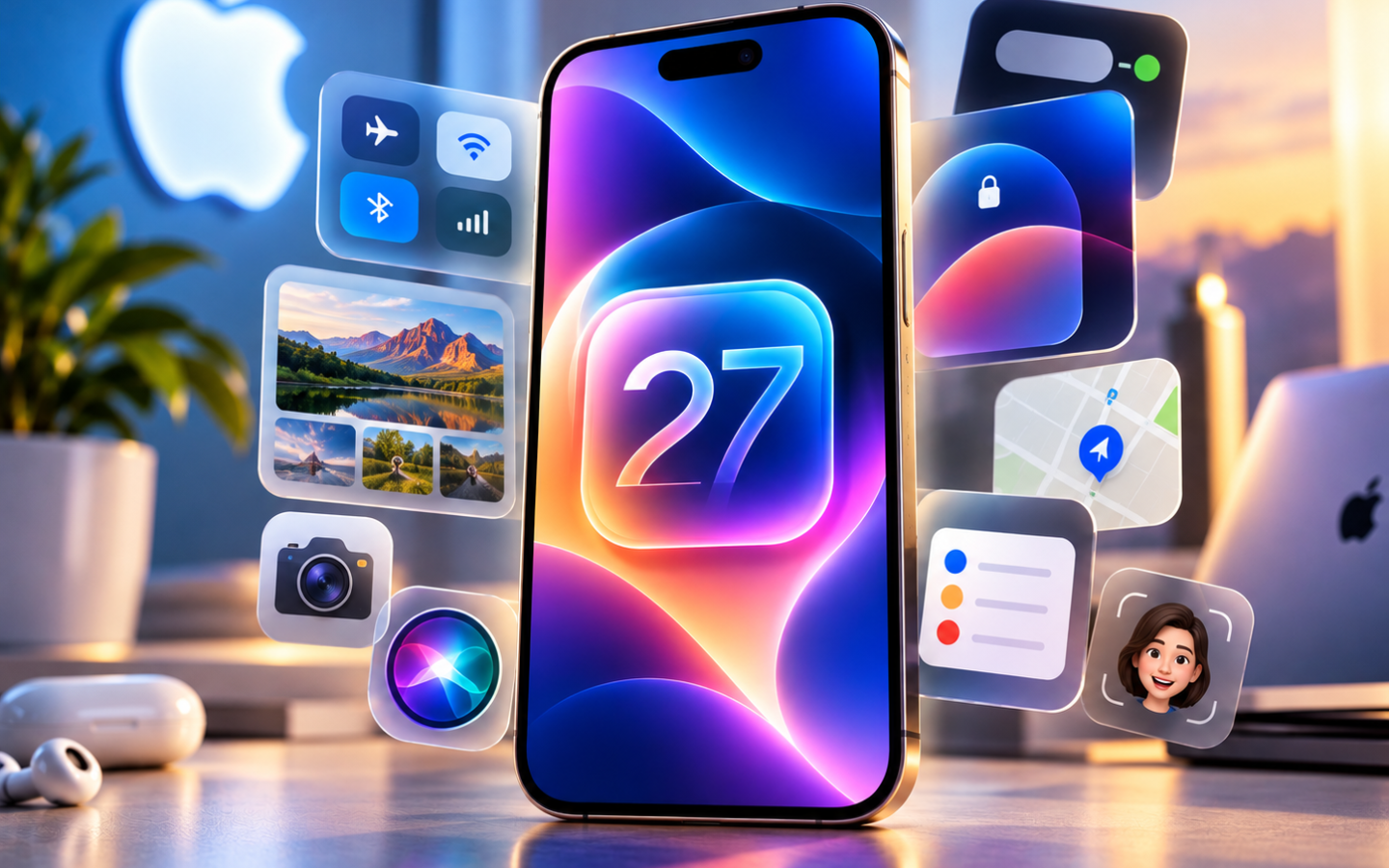
Apple has officially released iOS 27, bringing one of the biggest intelligence-focused upgrades yet to the iPhone. Released on September 14, 2026, the update introduces Siri AI, smarter Visual Intelligence, powerful Photos tools, Liquid Glass customization, faster performance, and several useful changes across Apple’s apps.
If you’ve just installed iOS 27, here are the new features worth trying first.
1. Meet the New Siri AI
The biggest iOS 27 upgrade is Siri AI. Apple’s redesigned assistant can hold back-and-forth conversations, understand personal context and recognize what’s displayed on your screen.
For example, Siri can search your emails, messages, photos and files to locate information you need. A dedicated Siri app also stores conversations so you can return to them later.
Siri AI requires an Apple Intelligence-enabled device, starting with the iPhone 15 Pro and iPhone 15 Pro Max and above, and is initially available in English.
2. Try Visual Intelligence in Camera
Open Camera and look for the new Siri mode.
Visual Intelligence can analyze what the camera sees and help you act on that information. Apple demonstrates examples such as identifying information about food or using a restaurant receipt to help calculate and split a bill.
It essentially turns the iPhone camera into another way to interact with Siri.
3. Write With Siri
iOS 27 expands Apple’s writing assistance with Write with Siri.
You can ask Siri to create a first draft, improve something you’ve written, provide feedback, or change its style and tone. Apple has integrated these capabilities across the system rather than limiting them to one dedicated writing app.
4. Reframe and Extend Your Photos
Photos receives some of iOS 27’s most impressive AI features.
Spatial Reframing can alter a photo’s composition after you’ve taken it, while Extend can intelligently generate content beyond the original image boundaries. Apple has also improved Clean Up for removing distracting objects more precisely.
These features can make advanced photo editing possible without downloading another editing app.
5. Adjust the Liquid Glass Effect
Don’t like how transparent Liquid Glass looks? iOS 27 gives you more control.
Head to: Settings > Appearance > Liquid Glass
A new slider lets you customize Liquid Glass from ultraclear to fully tinted. Apple has also improved contrast and refraction for better readability.
6. Let AI Build Your Shortcuts
Shortcuts can now be much easier to create.
Instead of manually assembling every action, you can describe what you want the shortcut to accomplish and let Apple Intelligence help create it. You can then refine the resulting shortcut with additional instructions or edit it manually.
This could make Shortcuts considerably more approachable for beginners.
7. Explore Smarter Safari Features
Safari gains several intelligence-powered tools.
It can automatically organize tabs by topic, monitor supported webpages for changes and help create custom extensions from natural-language descriptions. For example, you could ask Safari to create an extension that changes how a webpage appears or performs a specific action.
8. Customize Your AirPods Sound
iOS 27 introduces Custom EQ for supported AirPods.
Users can adjust low, mid and high frequencies to better match their listening preferences. Supported models include selected newer AirPods, AirPods Pro and AirPods Max models.
9. Notice the Faster Performance
Some of iOS 27’s best improvements don’t require changing any settings.
Apple says the update improves performance across app launches, Photos and AirDrop. Search has also been improved in Spotlight, Photos and Mail, while Connectivity Assist provides smoother transitions between Wi-Fi and cellular networks.
Importantly, many system-level performance improvements aren’t limited to Apple Intelligence-enabled iPhones.
10. Explore the New Parental Controls
Families also get major improvements. Ask to Browse lets children request permission before visiting new websites, while Communication Safety has expanded protections for sensitive images and videos. Parents also get more control over which apps children can access.
Frequently Asked Questions
Is iOS 27 available now?
Yes.
Which iPhones support iOS 27?
iOS 27 supports the iPhone 11 series and newer compatible models, although Apple Intelligence features require newer hardware.
How do I download iOS 27?
Open Settings > General > Software Update and follow the installation instructions.
Final Takeaway
iOS 27 goes far beyond a visual refresh. Siri AI, Visual Intelligence, AI-powered Photos editing, smarter Shortcuts and Safari, Liquid Glass controls, AirPods EQ, improved parental controls, and faster system performance give iPhone users plenty to explore.
After updating, start with Siri AI and the new Photos tools if your iPhone supports Apple Intelligence, then customize Liquid Glass and explore the smaller system improvements. Many of iOS 27’s most useful features aren’t immediately obvious, so spending a little time exploring the update can significantly change how you use your iPhone.
You may also like
- Apple iOS 27 is out now: 8+ new features to try right away
- Practical Power: The Essential 3-in-1 Charging Station for Apple Gear
- UGREEN 45W USB-C Travel Adapter: Essential Power for Apple Devices
- Power Up: UGREEN’s 45W USB-C Adapter is Essential for Apple Users
- Anker’s Smart 3-in-1 Charging Station: An Essential iPhone & Apple Watch Upgrade
"Note:We may receive a affiliate commission when you purchase products mentioned on our website."