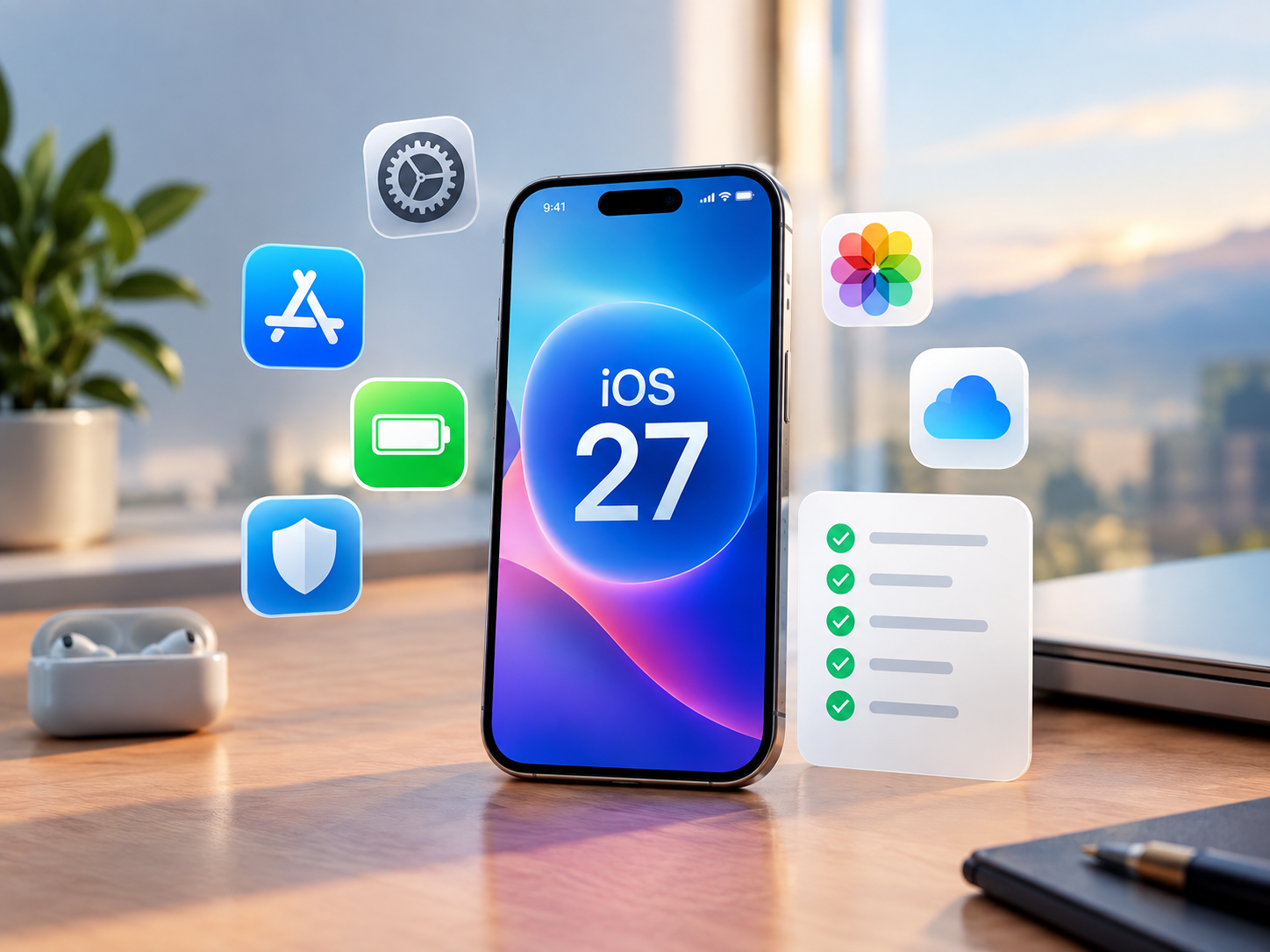
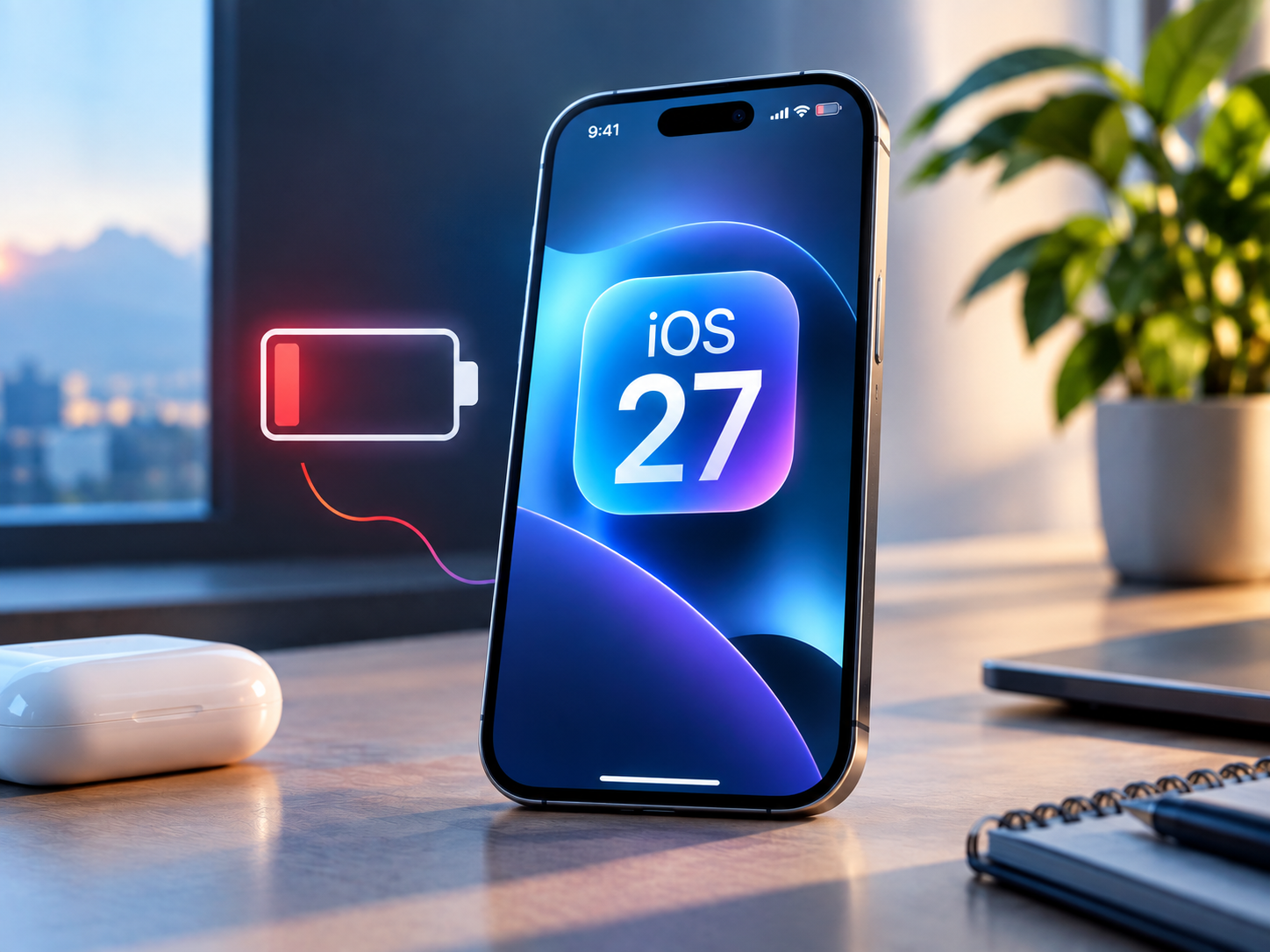
Apple’s iOS 27 update has brought major new features to the iPhone, including smarter Siri, Apple Intelligence improvements, redesigned system experiences, and performance changes. But alongside the new features, some iPhone users have reported concerns about battery life after installing iOS 27.
The important point is that increased battery consumption immediately after a major iOS update does not necessarily mean your iPhone’s battery has been permanently affected. Apple says software updates can temporarily affect performance and battery life while background processes continue running.
Why Is iOS 27 Draining My iPhone Battery?
A major iOS update can trigger several background activities after installation. Your iPhone may continue completing system setup, indexing data, syncing information, processing photos, and performing other tasks.

Apple specifically identifies an “Ongoing iOS Update” insight that can appear in Settings > Battery while update-related activities are still running. According to Apple, these activities can temporarily affect both battery life and thermal performance.
That means higher battery usage during the first few days should be interpreted differently from persistent battery drain that continues long after the update has finished.
How Long Does iOS 27 Battery Drain Last?
Apple recommends waiting a few days after an iOS update before evaluating battery life. Once background update processes are complete, battery performance should return closer to normal usage patterns.
The exact timeframe can vary depending on the iPhone, how much data it contains, installed apps, photo libraries, and how heavily the device is being used.
If your battery consumption remains unusually high after several days, it’s worth investigating further.
Check Which Apps Are Using Your Battery
iOS 27 provides detailed battery information that can help identify what’s consuming power.
Go to: Settings > Battery
The Daily Usage section compares your current battery consumption with previous days. You can also select View All Battery Usage to examine individual apps and system activities.
Look for apps with unusually high background activity. Apple notes that activities such as photo syncing, music playback, mail fetching, navigation, and other background processes can contribute to battery usage.
Check Your iPhone’s Battery Health
Software isn’t always responsible for poor battery life.
Go to Settings > Battery > Battery Health on iPhone 15 and newer. On iPhone 14 and earlier, the option appears as Battery Health & Charging. Apple provides information about maximum capacity and other battery details.
If your battery is already significantly aged, an iOS update may simply make an existing limitation more noticeable.
Try Low Power Mode
If you need additional battery life while your iPhone completes background tasks, Low Power Mode can reduce power consumption.
Go to: Settings > Battery > Power Mode > Low Power Mode
Apple says Low Power Mode reduces or disables certain activities and settings, including Mail fetch, Background App Refresh, some visual effects, and other power-consuming functions.
What About iPhone Overheating After iOS 27?
Temporary warmth can accompany increased background activity. Apple also notes that iPhone charging can slow or pause when the device becomes too hot or cold as part of its battery-protection system.
Avoid charging your iPhone in direct sunlight or very hot environments. Apple recommends charging in an ambient temperature between 0°C and 35°C (32°F–95°F).
Frequently Asked Questions
Does iOS 27 cause battery drain?
Some users may experience temporarily higher battery consumption after updating, but Apple says update-related background activity can affect battery life for a while.
How long should I wait after installing iOS 27?
Apple recommends waiting a few days before judging battery performance.
How can I check what’s draining my iPhone battery?
Go to Settings > Battery and review Daily Usage, App and System Activity, and battery insights.
Should I downgrade because of battery drain?
Temporary battery drain immediately after an update isn’t, by itself, evidence that you need to reverse the update. First allow background processes to finish and investigate battery usage.
Final Takeaway
Early iOS 27 battery-life concerns are worth monitoring, but they need context. A major software update can temporarily increase background activity, battery consumption, and device temperature.
Give your iPhone a few days, check Settings > Battery, review Battery Health, update your apps, and use Low Power Mode when necessary. If unusually high consumption continues well beyond the post-update period, the Battery settings can help identify whether an app, system activity, or aging battery is responsible.
"Note:We may receive a affiliate commission when you purchase products mentioned on our website."