
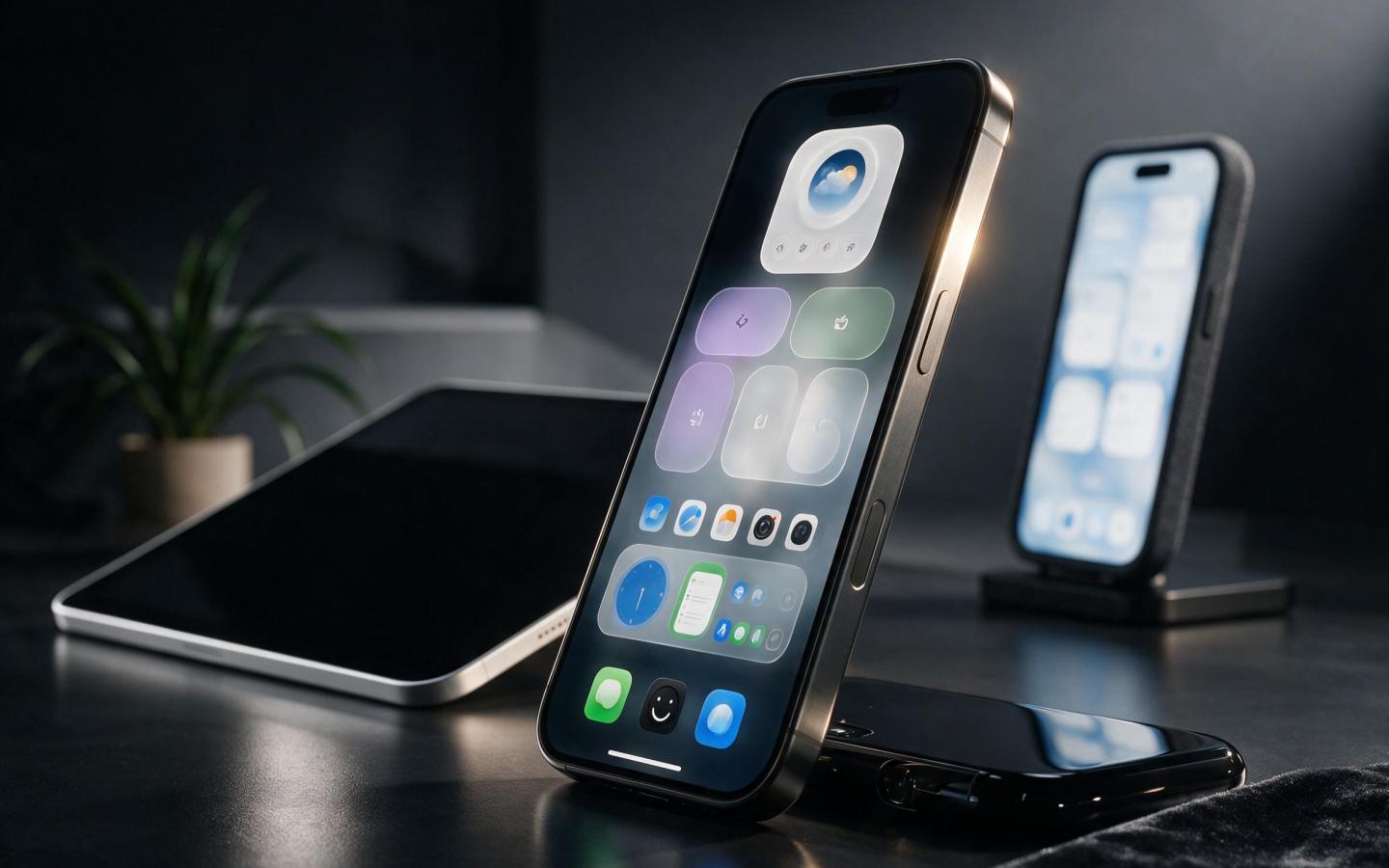
Apple’s iOS 27 beta is continuing to evolve, and one of the most welcome changes isn’t a flashy new feature—it is a fix for widget reliability.
Widgets are supposed to give you quick information without opening an app. But during the iOS 27 beta testing period, some users reported problems where widgets could disappear or stop working correctly after an app update. Community reports indicate that restarting the iPhone could temporarily bring affected widgets back.
That makes Apple’s ongoing work on widget stability particularly important.

What’s New in iOS 27 and macOS 27 Beta 6: Refined Lock Screen, Safari and More
Why Widget Problems Are Frustrating
Widgets are designed to be glanceable. You might use one to check the weather, see your calendar, monitor battery levels or quickly view information from a favorite app.
When a widget stops refreshing, disappears or becomes unavailable, the whole point of having it on the Home Screen is lost.
The issue is particularly annoying because users may not immediately know whether the problem comes from the app, iOS or the widget system itself.
iOS 27 Focuses on Refinement
Unlike a major redesign, iOS 27 is increasingly looking like an update focused on polish, performance and fixing everyday annoyances.
Apple’s developer release notes show that the company is continuing to resolve bugs across the operating system as beta development progresses.
That matters because beta software is primarily about finding problems before the final public release.
The widget improvements are a good example of why beta testing is important. A feature can work perfectly during Apple’s internal testing but behave differently when thousands of developers and users install different combinations of apps.
What Should You Do If a Widget Stops Working?
If you’re running an iOS 27 beta and suddenly notice that a widget has disappeared or isn’t refreshing, try these simple steps.
1. Restart Your iPhone
A restart can refresh the connection between the app and its widget.
Some iOS 27 beta testers have reported that restarting restored missing widgets.
2. Update the App
Open the App Store and check for updates.
If the problem started immediately after an app update, the developer may need to release another update to improve compatibility with the iOS beta.
3. Remove and Add the Widget Again
Press and hold the widget on your Home Screen.
Choose Remove Widget, then add it again from the widget gallery.
This can force iOS to recreate the widget.
4. Install the Latest Beta
If you’re already testing iOS 27, make sure you’re running the newest available developer beta.
Apple’s beta releases regularly include bug fixes, and later builds can resolve problems found in earlier versions.
Should You Install the iOS 27 Developer Beta?
If your iPhone is your primary device, you should think carefully before installing developer beta software.
Beta versions can contain bugs affecting battery life, apps, connectivity and other everyday features. Apple’s own release process is designed to identify and fix these problems before the final release.
For developers and enthusiasts who want to test new features early, however, the beta can provide an interesting look at what’s coming.
The Bigger Picture
The widget fix may sound small, but these are exactly the types of improvements that can make a new iOS version feel better in everyday use.
Apple doesn’t need to reinvent widgets every year. It simply needs to make sure they work reliably.
As iOS 27 moves closer to its final release, continued improvements like this could make the update feel faster, more stable and less frustrating.
And that’s good news for everyone—even users who don’t care about the latest AI feature or visual redesign.
You may also like
- Tapo C100 Camera: An Essential Eye for Your Apple-Connected Home
- UGREEN MagFlow: Portable Wireless Charging for Your Everyday Apple Gear
- iOS 27.2 Just Dropped! 7 Features That Make Updating Worth It
- UGREEN MagFlow Pro: A Smarter Portable Charge for Your iPhone
- Lexar D40E: Essential Dual USB-C Drive for Your Apple Everyday
Discover more from The Apple Byte
Subscribe to get the latest posts sent to your email.
"Note:We may receive a affiliate commission when you purchase products mentioned on our website."


