Apple has released iOS 27 Beta 4 for developers, continuing its refinement of the next-generation iPhone operating system ahead of the public release later this year. Rather than introducing sweeping new features, Beta 4 focuses on polishing the user experience with improvements to the Home Screen, Apple Intelligence, Siri, widgets, and several built-in apps. The update also delivers bug fixes, performance enhancements, and interface tweaks that make iOS 27 feel more stable and responsive.
If you’re testing iOS 27 or planning to install the public beta, here are the most notable changes included in Beta 4.
A More Refined Home Screen
The Home Screen receives several subtle yet noticeable improvements in Beta 4.

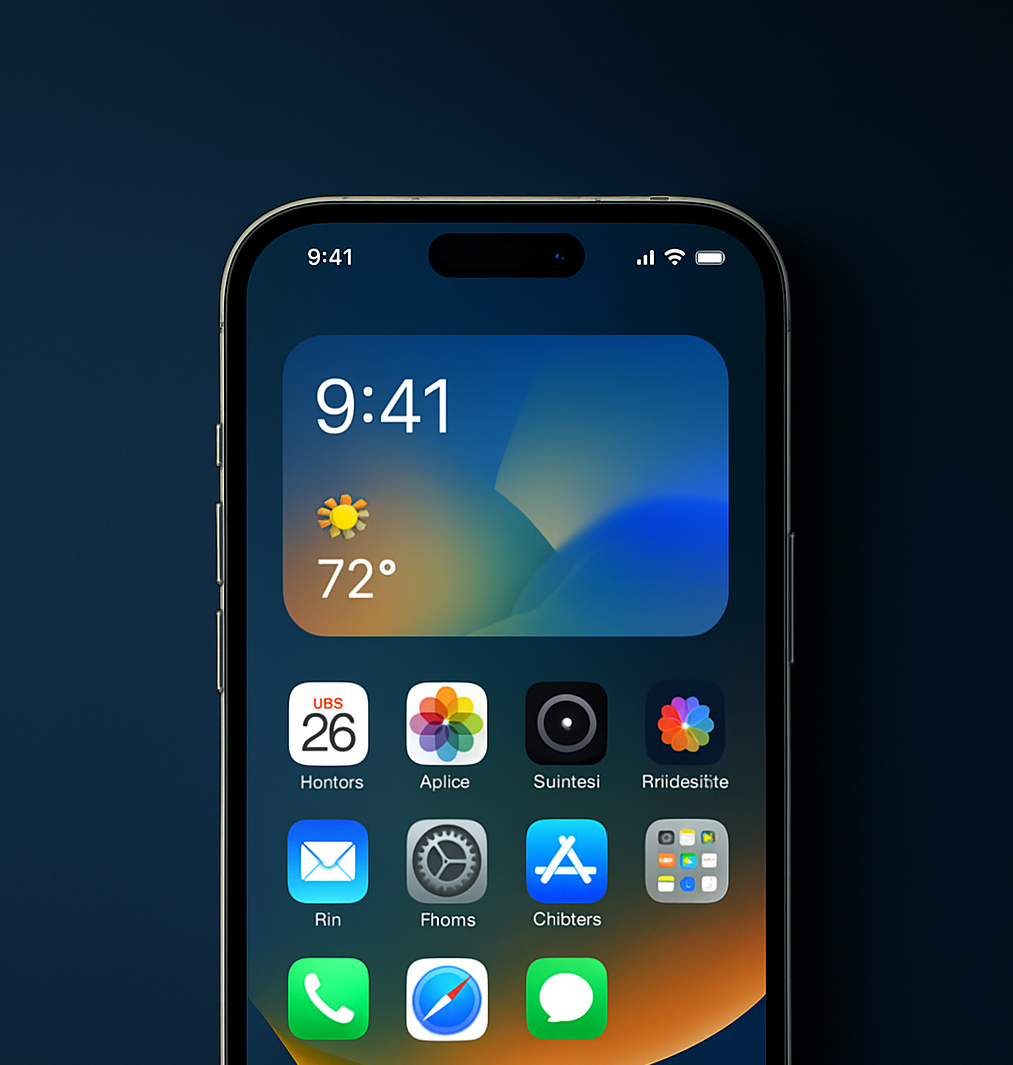
Apple has fine-tuned animations, icon spacing, and widget behavior to better match the Liquid Glass design language introduced in iOS 27. Widgets now appear more responsive, transitions feel smoother, and the interface maintains a cleaner visual hierarchy.
While the overall layout remains familiar, these refinements make daily interactions feel more polished and fluid, especially when navigating between pages or editing widgets.
Siri Gets Smarter
One of the biggest areas of improvement in Beta 4 is Siri.
Apple has updated the Siri experience with:
A refreshed welcome screen
Improved settings organization
Expanded English-language voice and accent options
Better control over Siri’s expressive voice
Adjustable response preview settings
These updates make Siri easier to personalize while supporting Apple’s broader Apple Intelligence initiative. Although the biggest AI features were introduced in earlier betas, Beta 4 focuses on making Siri more natural and user-friendly.
Improved Apple Intelligence Suggestions
Apple Intelligence continues to evolve with smarter contextual suggestions throughout the system.
Beta 4 refines how iOS recommends actions based on your habits, helping surface relevant shortcuts, apps, and productivity tools at the right moment. The AI feels more responsive and less intrusive, providing assistance when it’s genuinely useful instead of overwhelming users with unnecessary prompts.
These behind-the-scenes improvements are designed to make Apple Intelligence feel like a seamless part of the iPhone experience rather than a standalone feature.
Better Recent Apps Experience
Another welcome improvement is found in the app switcher.
Apps are now easier to identify thanks to subtle interface adjustments that improve visibility in the recent apps view. While this isn’t a dramatic redesign, it makes multitasking feel more intuitive, particularly for users who frequently switch between multiple apps throughout the day.
Apple TV Adds Automatic Downloads
The Apple TV app gains a practical new feature in Beta 4.
Users can now enable Automatic Downloads for upcoming episodes of TV shows listed in Continue Watching. Once enabled, new episodes download automatically for offline viewing, while watched episodes can be removed automatically to help save storage space.
This feature is especially useful for commuters, travelers, and anyone who frequently watches content without a reliable internet connection.
Photos and Camera Improvements
Apple has also updated several media-related features.
The Photos app now includes a Zoom Photos to Fill option that automatically adjusts images to better fit your display. Meanwhile, the Camera app expands support for ProRes Log recording, giving creators greater flexibility when capturing professional-quality video.
These additions may appeal most to photography enthusiasts and content creators, but they also improve the overall media experience on supported iPhone models.
Enhanced AirPods Controls
Beta 4 introduces improved integration with supported AirPods models.
Users gain more control over Adaptive Noise Control, making it easier to customize how AirPods respond to changing environments directly through Control Center. The update streamlines audio management and gives users greater flexibility without needing to dive into multiple settings menus.
Connectivity and Performance Improvements
Apple continues refining the operating system behind the scenes.
Beta 4 includes:
Better Wi-Fi management with improved Connectivity Assist controls
Faster system animations
Improved responsiveness
Bug fixes across system apps
Better overall stability
Although these improvements are less visible than new features, they’re essential as Apple prepares iOS 27 for a wider public rollout.
Is iOS 27 Beta 4 Worth Installing?
If you’re already using an earlier iOS 27 beta, Beta 4 is a worthwhile update because it focuses heavily on stability and refinement. The software feels more polished, Siri is easier to use, and several everyday apps receive useful quality-of-life improvements.
However, like all beta software, it may still contain bugs or compatibility issues with some third-party apps. Users who rely on their iPhone for work, banking, or mission-critical tasks may prefer to wait for a later public beta or the final release.
Final Thoughts
iOS 27 Beta 4 demonstrates Apple’s attention to detail as it prepares its next major iPhone update for launch. Rather than adding flashy new features, this release focuses on making the experience smoother and more intuitive. From a refined Home Screen and improved widgets to smarter Siri features, enhanced Apple Intelligence suggestions, and practical additions like automatic Apple TV downloads, Beta 4 is all about polish.
While the biggest innovations in iOS 27 arrived in earlier beta versions, this update shows Apple is committed to delivering a stable, refined operating system before its official release. For users testing the beta, these incremental improvements make the iPhone feel faster, smarter, and more enjoyable to use every day.
- Apple iOS 27 is out now: 8+ new features to try right away
- Practical Power: The Essential 3-in-1 Charging Station for Apple Gear
- UGREEN 45W USB-C Travel Adapter: Essential Power for Apple Devices
- Power Up: UGREEN’s 45W USB-C Adapter is Essential for Apple Users
- Anker’s Smart 3-in-1 Charging Station: An Essential iPhone & Apple Watch Upgrade
"Note:We may receive a affiliate commission when you purchase products mentioned on our website."