
Fast charging has become one of the most convenient features of modern smartphones, allowing iPhone users to recharge their devices in a fraction of the time compared to older chargers. But with the added speed comes a common question: Does fast charging damage your iPhone battery?
The short answer is not under normal conditions. Apple’s iPhones are designed with advanced battery management systems that regulate charging speeds, monitor temperature, and reduce battery wear over time. However, the way you charge your iPhone can still influence its long-term battery health.
Here’s what you need to know about fast charging and how to keep your iPhone battery in good condition.
How Fast Charging Works
Fast charging delivers more power to your iPhone during the early stages of charging, allowing the battery to reach around 50% charge in approximately 30 minutes on supported models when using a compatible USB-C power adapter and cable.
As the battery level increases, the iPhone automatically slows the charging rate. This process, known as charge tapering, helps reduce heat and stress on the battery as it approaches full capacity.
Apple controls the charging process internally, so the phone only draws the amount of power it can safely handle, even if you use a higher-wattage charger.
Does Fast Charging Harm Battery Health?
Under normal use, fast charging is not considered harmful to your iPhone battery.
Modern lithium-ion batteries are engineered to handle fast charging safely. Apple’s battery management software continuously monitors:
- Battery temperature
- Voltage
- Charging current
- Battery condition
If the iPhone detects excessive heat or other conditions that could affect battery longevity, it automatically slows or temporarily pauses charging until temperatures return to a safe range.
This built-in protection is one reason Apple officially supports fast charging across many recent iPhone models.
Heat Is the Real Enemy
While fast charging itself isn’t inherently damaging, excessive heat is one of the biggest factors that can shorten the lifespan of any lithium-ion battery.
Heat can build up when:
- Charging in direct sunlight
- Leaving your iPhone inside a hot car
- Using processor-intensive apps while charging
- Charging under a pillow or blanket that traps heat
- Using poor-quality or uncertified charging accessories
Keeping your iPhone cool during charging is generally more important than worrying about charging speed.
Use Certified Chargers and Cables
To get the best results, use charging accessories that meet Apple’s safety standards.
Apple recommends using:
- Apple USB-C power adapters
- USB Power Delivery (USB-PD) compatible chargers
- Certified USB-C cables
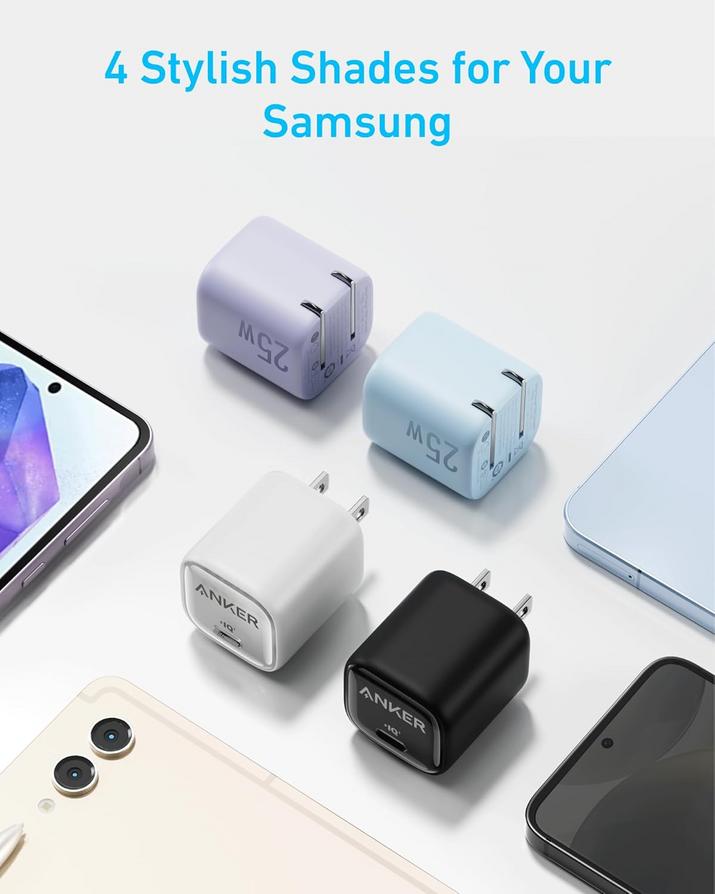
Reputable third-party chargers from trusted brands can also provide safe fast charging, provided they comply with recognized safety certifications.
Avoid extremely cheap or counterfeit accessories that may not regulate power properly.
Optimized Battery Charging Helps
Apple includes a feature called Optimized Battery Charging to help reduce battery aging.
When enabled, your iPhone learns your daily charging habits and delays charging beyond 80% until it’s closer to the time you typically unplug your device.
For example, if you charge overnight, the iPhone may pause at around 80% and complete the remaining charge shortly before you usually wake up.
This reduces the amount of time the battery spends sitting at 100%, which can help preserve long-term battery capacity.
You can enable this feature by going to:
Settings → Battery → Battery Health & Charging
Is Wireless Fast Charging Different?
Wireless charging follows many of the same principles but may generate more heat than wired charging because energy is transferred through electromagnetic induction.
MagSafe charging improves efficiency compared to standard Qi charging, but if you notice your iPhone becoming unusually warm, removing thick phone cases or improving airflow can help keep temperatures under control.
Tips to Extend iPhone Battery Lifespan
To maximize battery health over time:
- Avoid exposing your iPhone to high temperatures.
- Use certified chargers and cables.
- Enable Optimized Battery Charging.
- Keep your iPhone updated with the latest version of iOS.
- Remove bulky cases if your phone becomes excessively warm while charging.
- Avoid leaving your battery completely discharged for extended periods.
- Charge when convenient instead of always waiting until the battery reaches 0%.
These habits can help maintain battery performance for years.
When Should You Replace the Battery?
Like all lithium-ion batteries, iPhone batteries gradually lose capacity over time.
Apple generally considers a battery to be functioning normally until it retains about 80% of its original capacity after many charge cycles. If you notice significantly reduced battery life, unexpected shutdowns, or your Battery Health reading has dropped substantially, replacing the battery may restore performance without requiring a new phone.
Final Thoughts
Fast charging isn’t the battery killer it’s sometimes made out to be. Modern iPhones are built with intelligent charging systems that carefully manage power delivery, reduce charging speeds when necessary, and protect the battery from excessive stress. In most cases, using a compatible fast charger won’t noticeably shorten your battery’s lifespan.
Instead, the biggest threats to long-term battery health are excessive heat, low-quality charging accessories, and poor charging habits. By keeping your iPhone cool, using certified chargers, and taking advantage of features like Optimized Battery Charging, you can enjoy the convenience of fast charging while helping your battery stay healthy for years to come.
"Note:We may receive a affiliate commission when you purchase products mentioned on our website."