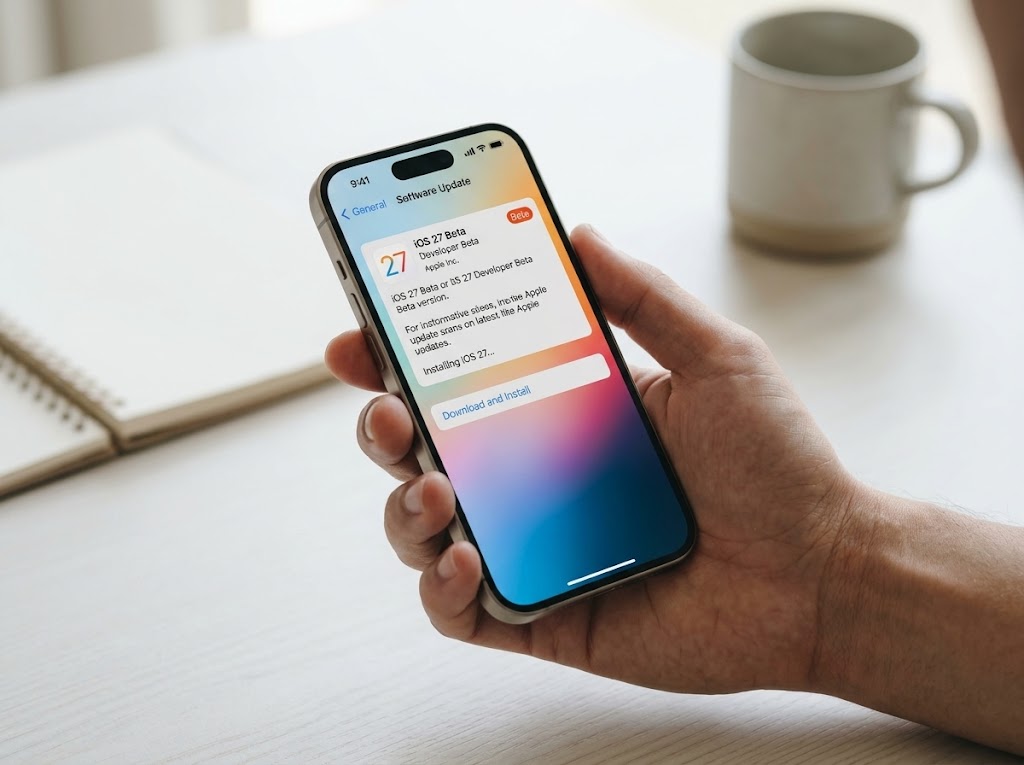
Apple has officially opened developer beta downloads for its latest mobile operating system, iOS 27, making the pre-release software available to registered developers worldwide. The release marks the beginning of a new testing cycle, allowing developers and tech enthusiasts to explore upcoming platform enhancements, test app compatibility, and build next-generation experiences ahead of the public rollout.
What’s New in the Pipeline
With every major iOS evolution, Apple focuses heavily on deeper ecosystem integration, upgraded system frameworks, and refined user experience:
- Advanced Apple Intelligence & Foundation Models: Developers gain direct access to upgraded Swift APIs that tie into Apple Foundation Models—both on-device and via Private Cloud Compute. Enhanced multimodal prompts, vision analysis tools, and deeper Siri integration allow apps to respond dynamically to natural voice queries and on-screen context.
- Next-Level App Intents: Expanding beyond basic shortcuts, the modernized App Intents framework lets third-party apps plug directly into Spotlight semantic indexing and system-wide intelligence without complex boilerplate code.
- System UI & Multitasking Refinements: The latest builds bring updates across core apps—including Safari feature additions, smarter Live Activities, and upgraded interface tools tailored for larger and dual-screen hardware designs.
- Health & Proactive Insights: Apple continues its focus on digital health, working on comprehensive health analytics and streamlined diagnostic integrations aimed at preventative wellness.
How Registered Developers Can Install the Beta
Apple has simplified the beta installation workflow by eliminating the need to download and install configuration profile certificates manually. Everything is tied directly to the developer’s Apple Account.

- Verify Developer Registration: Sign in with your registered Apple ID at developer.apple.com to ensure your account is active.
- Back Up Your Device: Always create a complete, archived local backup of your iPhone using Finder or the Apple Devices app before updating. Beta software backups cannot be restored onto older, stable versions of iOS.
- Enable Beta Updates:
- Go to Settings > General > Software Update.
- Tap Beta Updates.
- Select iOS 27 Developer Beta.
- Download and Install: Return to the primary Software Update screen, wait for the build to populate, and tap Download and Install.
Best Practices Before Upgrading
Because developer betas are early-stage builds intended primarily for development and debugging, they frequently contain bugs, reduced battery efficiency, and occasional compatibility issues with standard consumer apps.
- Do not install on primary daily drivers: Test beta versions on secondary devices dedicated to testing whenever possible.
- Submit Feedback: Use the built-in Feedback Assistant app to log crashes, graphical glitches, or unexpected API behavior directly to Apple’s engineering teams.
- Watch for Public Betas: Non-developer users seeking a more stable preview experience are advised to wait for the official Public Beta releases, which typically follow shortly after initial developer validation cycles.
You may also like
- Cleaner Desk, Easier Charging: Smart Station for Your Apple Devices
- Is Apple HomeView Worth $299? Buying Guide
- Google Pixel Tag: An Essential Tracker for Your Apple Ecosystem?
- Top Paid iPhone Apps Gone Free Today – Download Now!
- Download This Stunning Crescent Moon Wallpaper
Discover more from The Apple Byte
Subscribe to get the latest posts sent to your email.
"Note:We may receive a affiliate commission when you purchase products mentioned on our website."