
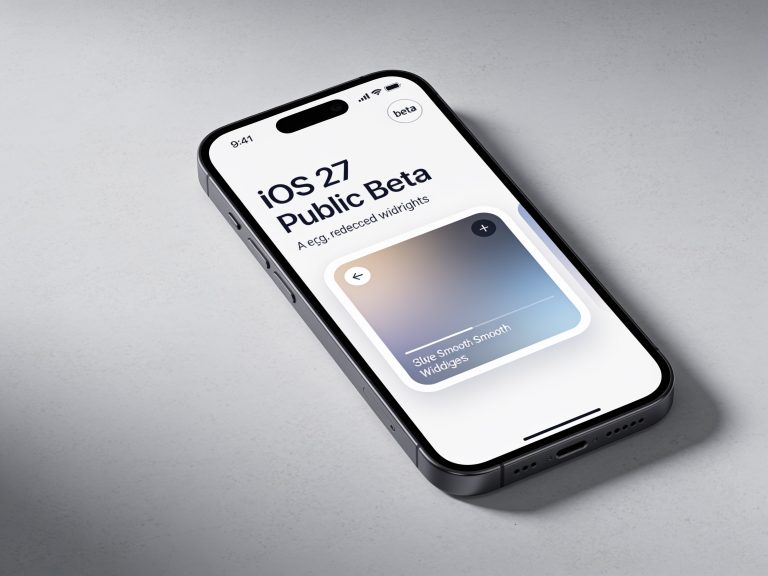
Apple has officially released the iOS 27 Public Beta, giving iPhone users an early look at the next major software update before its full release later this year. The update focuses on smarter AI, improved productivity, a refined interface, and meaningful quality-of-life improvements rather than a complete redesign.
If you’re considering installing the public beta—or you’ve already downloaded it—here are some of the top features worth exploring.
1. Smarter Siri with Apple Intelligence
The biggest highlight of iOS 27 is Apple’s next-generation Siri, powered by Apple Intelligence.
The updated assistant understands on-screen content, remembers conversation context, and can complete more complex tasks across supported apps. Instead of responding to one command at a time, Siri can help manage calendars, messages, reminders, and other everyday activities with greater accuracy.
Apple has also redesigned Siri with more natural conversations and improved voice interactions, making it feel more like a true digital assistant.
2. Liquid Glass Interface Refinements
Apple continues to refine its Liquid Glass design language in iOS 27.
The Public Beta includes smoother animations, cleaner transparency effects, and improved readability throughout the operating system. Menus, notifications, widgets, and system apps now feel more polished while maintaining the modern glass-inspired appearance introduced in earlier releases.
Users can also customize transparency levels for a look that better matches their preferences.
3. Safari Gets AI Upgrades
Safari receives several intelligence-powered improvements designed to simplify browsing.
New features include webpage summaries, smarter tab organization, and the ability to monitor websites for changes. Instead of repeatedly checking a product page or event listing, Safari can notify you when content changes.
These AI enhancements help reduce repetitive browsing while making it easier to keep track of important webpages.
4. More Powerful Shortcuts
The Shortcuts app becomes significantly easier to use.
With Apple Intelligence, users can create automations simply by describing what they want in natural language. Instead of manually building workflows step by step, iOS 27 can generate shortcuts automatically based on plain-English requests.
This lowers the learning curve and makes automation accessible to more users.
5. Improved Messages Experience
Messages gains several practical upgrades.
New features include:
- Inline replies
- Better Smart Replies
- Enhanced RCS messaging support
- Improved conversation management
These additions make group chats easier to follow while improving communication with Android users who support RCS.
6. AI-Powered Photos Editing
The Photos app continues expanding its AI capabilities.
Apple introduces smarter editing tools that can help remove distractions, extend backgrounds, and intelligently reframe images. Improved search also makes it easier to locate photos using natural language descriptions instead of relying solely on dates or albums.
These features build on Apple’s growing focus on AI-assisted photography.
7. Better Password Security
Apple is making account protection more convenient.
The Passwords app now provides stronger security recommendations and can help users replace compromised passwords on supported services with minimal effort.
Combined with Apple’s existing passkey support, these enhancements simplify account security while encouraging better password habits.
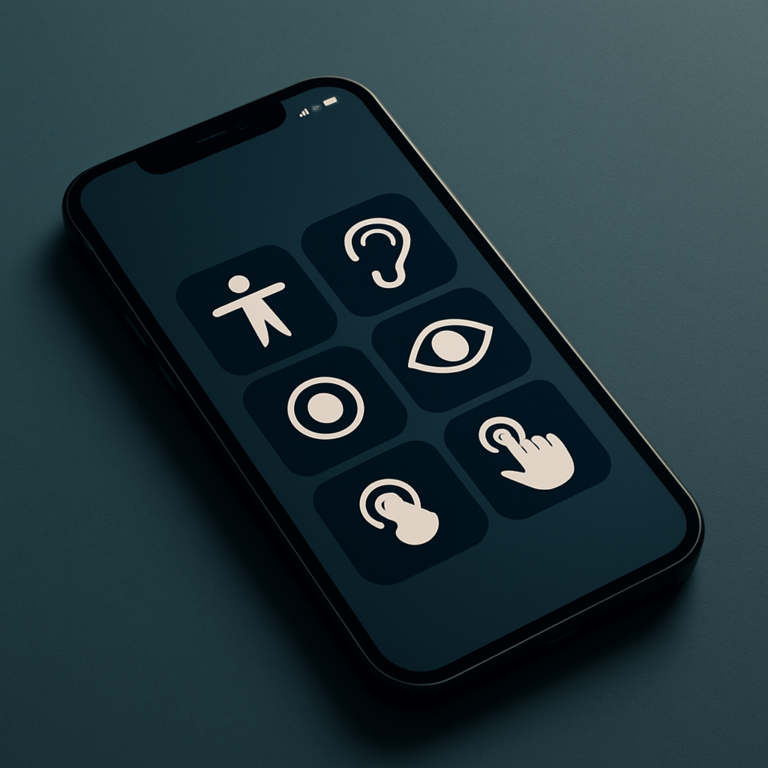
8. Accessibility Improvements
iOS 27 introduces several accessibility enhancements, including expanded recognition features, improved voice controls, and refined interface options for users with vision, hearing, and mobility needs.
These additions continue Apple’s long-standing commitment to making the iPhone easier to use for everyone.
9. Better Overall Performance
Although many improvements happen behind the scenes, users may notice:
- Faster app launches
- Smoother scrolling
- Improved animation performance
- Better system responsiveness
- Enhanced stability throughout the operating system
Apple has focused heavily on optimization, making iOS 27 feel faster and more reliable even before the final release.
Should You Install the Public Beta?
The public beta is more stable than earlier developer builds, but it is still test software.
If your iPhone is your primary device for work, banking, or travel, you may want to wait for the final release. Beta software can still include bugs, reduced battery life, and compatibility issues with certain third-party apps.
If you decide to install it, creating a complete backup beforehand is strongly recommended.
Final Thoughts
The iOS 27 Public Beta may not introduce a dramatic visual overhaul, but it delivers meaningful upgrades that improve the everyday iPhone experience. A smarter Siri, AI-powered Safari tools, enhanced photo editing, better automation through Shortcuts, refined Messages, and performance improvements all contribute to a more capable and intuitive operating system.
For users who enjoy testing new software, the public beta offers an exciting preview of what’s coming. For everyone else, these features provide a glimpse of the polished iOS experience expected when the final version launches later this year.
"Note:We may receive a affiliate commission when you purchase products mentioned on our website."