
If you’re looking for a way to give your child an iPhone without exposing them to social media, endless web browsing, or distracting apps, Apple already has a built-in solution. Hidden within the Accessibility settings is Assistive Access, a feature originally designed for users with cognitive disabilities that also works surprisingly well as a kid-friendly “dumb phone.”
Unlike Screen Time, which can still leave loopholes for internet access, Assistive Access transforms an iPhone into a simplified device with only the apps you choose. It’s an ideal option for parents who want their children to have access to calls, messages, maps, and other essentials while limiting distractions.
What Is Assistive Access?
Introduced with iOS 17, Assistive Access replaces the standard iPhone interface with a much simpler layout. Instead of dozens of app icons, users see large, easy-to-read buttons displaying only the approved apps.

Parents can decide exactly which apps appear on the Home Screen, creating a focused experience that emphasizes communication and safety rather than entertainment or social media. Although Apple designed the feature as an accessibility tool, many parents are now using it to repurpose older iPhones into safe first phones for their children.
Why It’s Better Than Screen Time
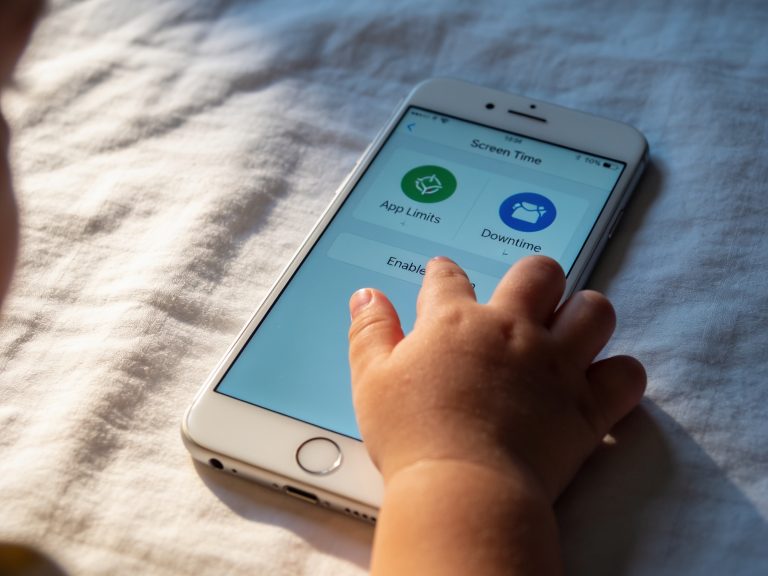
Apple’s Screen Time controls are useful, but they aren’t perfect. In some situations, children may still encounter web content through links shared in Messages or other apps.
Assistive Access takes a different approach. If you don’t include Safari or another web browser in the approved apps, internet browsing is effectively blocked. Even if someone sends a website link in a text message, it appears as plain text and cannot be opened accidentally. This creates a much more secure environment for younger users.
How to Turn On Assistive Access
Setting up Assistive Access only takes a few minutes:
- Open Settings on your iPhone.
- Tap Accessibility.
- Scroll to the bottom and select Assistive Access.
- Tap Set Up Assistive Access and then Continue.
- Choose either Grid or Rows for the app layout.
- Select only the apps you want your child to use.
- Create a separate Assistive Access passcode.
- Start Assistive Access.
Once enabled, the iPhone switches to its simplified interface. To exit the mode, triple-click the Side button (or Home button on older iPhones) and enter the Assistive Access passcode.
Choose Exactly Which Apps Are Available
One of the biggest advantages of Assistive Access is its flexibility.
Parents can allow only essential apps such as:
- Phone
- Messages
- Maps
- Camera
- Photos
- Music
- FaceTime
- Find My
Each app also offers additional controls. For example, you can decide who your child is allowed to call or message, whether the keypad appears during calls, and which music playlists are available.
A Great Way to Reuse an Older iPhone
If you have an older iPhone sitting unused in a drawer, Assistive Access can give it a second life.
Instead of buying a dedicated feature phone, parents can create a simplified device that still supports GPS navigation, emergency communication, FaceTime, and Find My while removing many of the distractions associated with modern smartphones. Because it’s built directly into iOS, there’s no need to pay for third-party apps or subscriptions.
Are There Any Downsides?
While Assistive Access is highly effective, it isn’t perfect.
Some users have reported that the simplified interface can feel slower than the standard iPhone experience, particularly on older devices. In addition, Assistive Access overrides many Screen Time settings, so parents should review their configuration carefully if they later decide to add internet-enabled apps.
Apple is also expected to introduce improvements to parental controls in future iOS updates, including better options for limiting Safari access through Screen Time. However, Assistive Access remains one of the most effective built-in solutions currently available.
Final Thoughts
Assistive Access is one of the most overlooked features on the iPhone, yet it offers an excellent way to create a child-friendly “dumb phone” without purchasing additional hardware or software. By limiting the device to essential apps, blocking web browsing, and simplifying the interface, parents can provide children with a safer first smartphone experience while still giving them access to communication, navigation, and emergency features.
Whether you’re preparing your child for school, repurposing an older iPhone, or simply looking to reduce screen distractions, Assistive Access is a powerful tool that’s already built into iOS and well worth exploring.
"Note:We may receive a affiliate commission when you purchase products mentioned on our website."