
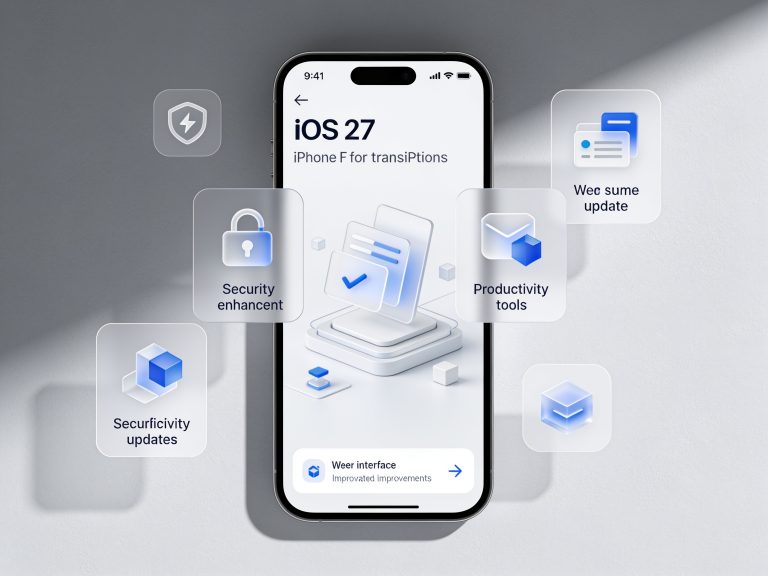
Apple has unveiled eight new features in iOS 27, bringing artificial intelligence, interface tweaks and security upgrades to the iPhone. According to Apple’s official announcement, the update introduces on-device AI password repair in iCloud Keychain, a redesigned widget stack system, expanded offline Siri functionality, enhanced Always-On Lock Screen options, context-aware notification summaries, collaborative Reminders lists, new sleep insights in the Health app and a refreshed CarPlay dashboard. These changes aim to streamline tasks and strengthen privacy across the iOS ecosystem.
The headline addition in iOS 27 is on-device AI-powered password repair. When iCloud Keychain detects weak, reused or compromised credentials, it offers one-tap replacement suggestions. Users review and confirm changes with Face ID or Touch ID, and iOS automatically updates passwords in Safari and supported apps. Apple emphasizes that analysis and generation occur entirely on-device, leveraging the Secure Enclave to protect sensitive data without uploading it to the cloud.
Home Screen customization sees a major overhaul with redesigned widget stacks. Widgets now adjust in height based on usage context—rising to full view when active and shrinking when not. Smart Stacks learn patterns such as fitness tracking in the morning or navigation in the evening, surfacing relevant widgets automatically. Users can fine-tune stack triggers by time, location or app activity, giving more control over which widgets appear and when.

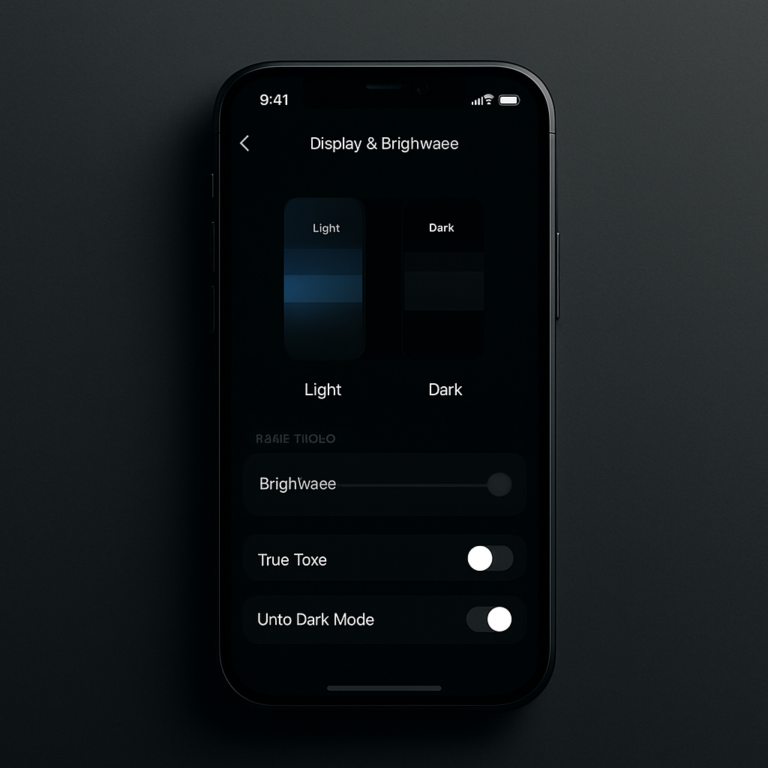
Always-On Lock Screen gains richer display options for compatible iPhones. New clock faces and dynamic notification styles let users choose between detailed previews or minimal icon-only alerts, conserving battery life on devices with low-power OLED panels. Controls in Settings > Display & Brightness have been simplified, and developers can opt into glanceable modes for third-party apps, making key information visible without unlocking the iPhone.
Offline Siri expands its command set to cover common tasks without an internet connection. On-device language models now handle requests to set timers, toggle system settings and draft short messages across more than 20 languages. By reducing reliance on server-based processing, iOS 27 aims to deliver faster responses and better reliability in areas with limited connectivity, while preserving user privacy.
Notifications receive context-aware summaries that group alerts by relevance instead of time. Local intelligence prioritizes messages from frequent contacts or apps with urgent content—such as calendar events or medication reminders—while deferring lower-priority alerts until later. New Focus suggestions propose modes like Work or Sleep based on usage patterns and location, simplifying how users filter interruptions throughout the day.
Reminders adds real-time collaboration for shared lists. Family members and colleagues can comment, assign tasks and receive mention notifications, with changes syncing instantly via iCloud. Meanwhile, the Health app introduces deeper sleep insights, combining tracked sleep stages with environmental data to offer personalized suggestions. Together, these updates enhance both productivity and wellbeing features on iPhone.
The CarPlay dashboard has been refreshed to integrate EV charging station locations, traffic-aware routing and a streamlined media player optimized for voice control. Automakers can leverage new CarPlay frameworks to offer custom instrument cluster layouts and third-party app tiles. As Apple refines these capabilities, users should expect a tighter in-vehicle experience when iOS 27 arrives in public beta later this summer.
FAQs
Question
Which iPhone models will support iOS 27’s new features?
iOS 27 is compatible with iPhone XR and later. Some features—such as enhanced Always-On Lock Screen styles—require an iPhone 15 Pro or newer.
Question
How can I join the iOS 27 public beta?
Sign up for Apple’s Beta Software Program at beta.apple.com, install the configuration profile on your iPhone and update to iOS 27 beta via Settings > General > Software Update.
Question
Will CalAuto password repair work in third-party apps?
Yes. iOS 27’s on-device AI generates and applies new passwords in Safari and any app that supports Apple’s Password AutoFill API, provided users grant Keychain access.
Question
Is the CarPlay update limited to certain vehicles?
CarPlay enhancements require automaker support via updated CarPlay frameworks. Availability depends on manufacturer implementation and may vary by vehicle model.
Verdict
Apple’s reveal of eight iOS 27 features underscores a shift toward on-device intelligence and deeper personalization on iPhone. By automating password repair, refining interface elements and expanding offline Siri, the update balances convenience with privacy. Immediate impact will depend on beta participation and hardware compatibility, but these tools point to a more proactive security and customization approach. As iOS 27 moves through public beta stages, expect further refinements and broader ecosystem integration ahead of its fall release.
"Note:We may receive a affiliate commission when you purchase products mentioned on our website."